


Opening Business Box: Jitsi Meet, a tool for video conferences
This article is 6 years old — prices and terms may have changed.
When you have to work remotely, a need arises to organise video conferences between team members. Demand for video call applications grew in 2020.
The Business Box package gathers the most convenient, capable and affordable tools for organising a team's remote work. The set would be incomplete without Jitsi Meet.
-
What is this application for?
-
Who will it suit?
-
How do you use Jitsi?
The advantage of open source services
With closed-source applications there is no way to be sure the program does only what it is meant to and provides reliable encryption. With open software any specialist can audit it and see for themselves. On top of that, many popular video call applications have trouble with privacy.
You can of course think up various workarounds. But that will be complicated and inconvenient, so it is simpler to find a tool that works, is secure and is convenient in the first place.
Jitsi, particularly used together with OpenVPN, will be the more reliable and worthwhile solution. The best way to guarantee the security of your data is to deploy Jitsi Meet on your own VPS, entirely under your control.
Jitsi Meet — an affordable, convenient alternative
Choosing a video conferencing application, you will find plenty of alternatives. But each of them has its drawbacks:
-
limited compatibility with operating systems;
-
no free version;
-
no end-to-end encryption;
-
privacy problems and a privacy policy that is not clearly written.
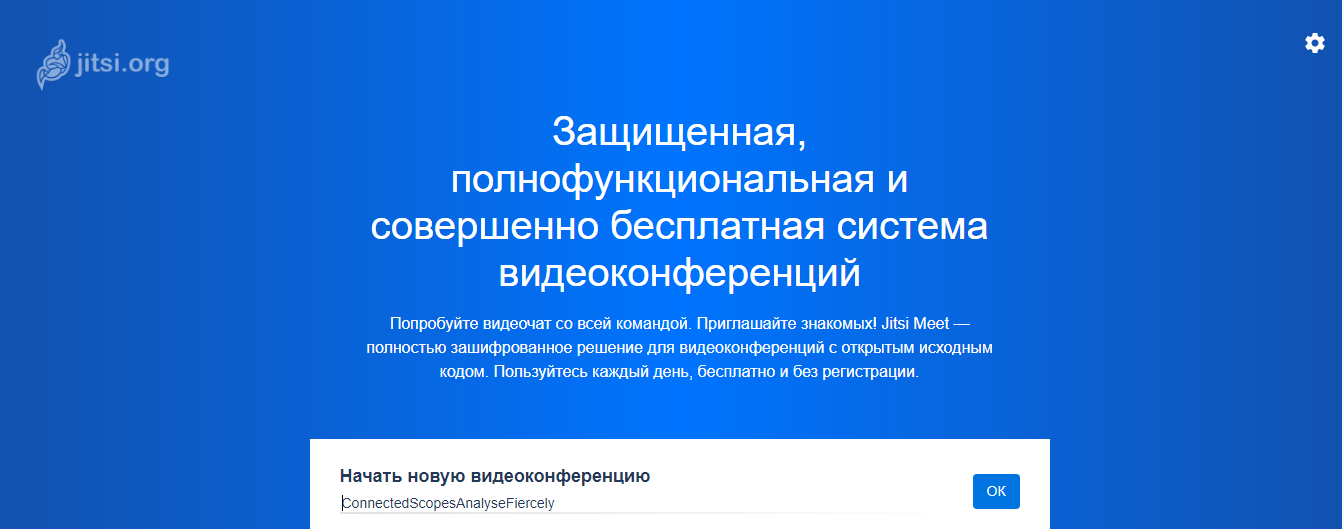
Jitsi Meet is an open source and fully featured alternative to other services, and it works straight in the browser.
What the program can do
-
The documentation states that Jitsi will host conferences for 75 participants. High call quality holds up to 35 people. In practice the only limit is the service's capacity and the bandwidth of the internet connection.
-
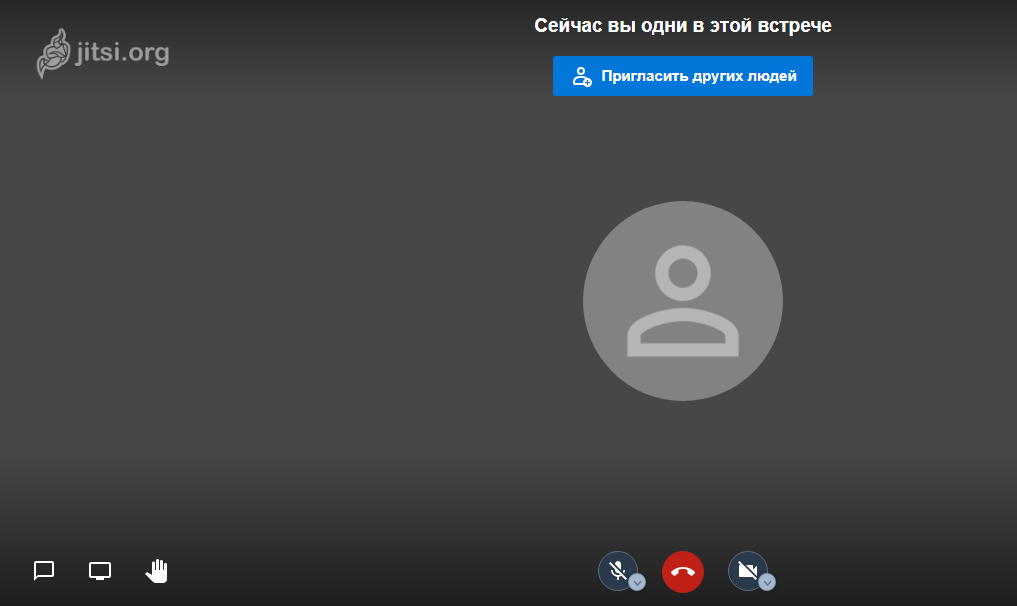
A video conference can be protected with a password.
-
You can create public and private chats.
The background behind a participant can be blurred. -
The service integrates with Slack, Google Calendar and Office 365. A Google Chrome extension provides that.
-
Screen sharing is available to users.
-
Presentations can be given in Jitsi as well.
-
Video conferences can be streamed to YouTube — a very convenient function for public lectures, open webinars and the like.
-
You can also stream video from YouTube into Jitsi.
-
There is a built-in chat for exchanging messages.
-
For convenience during group meetings there is a raise hand function, so a team member can signal that they want to speak.
-
Jitsi will save recordings of conferences.
-
The service provides end-to-end encryption of information.
There is also an application for iOS and Android, which means Jitsi can be used on mobile devices.
Limits on its use
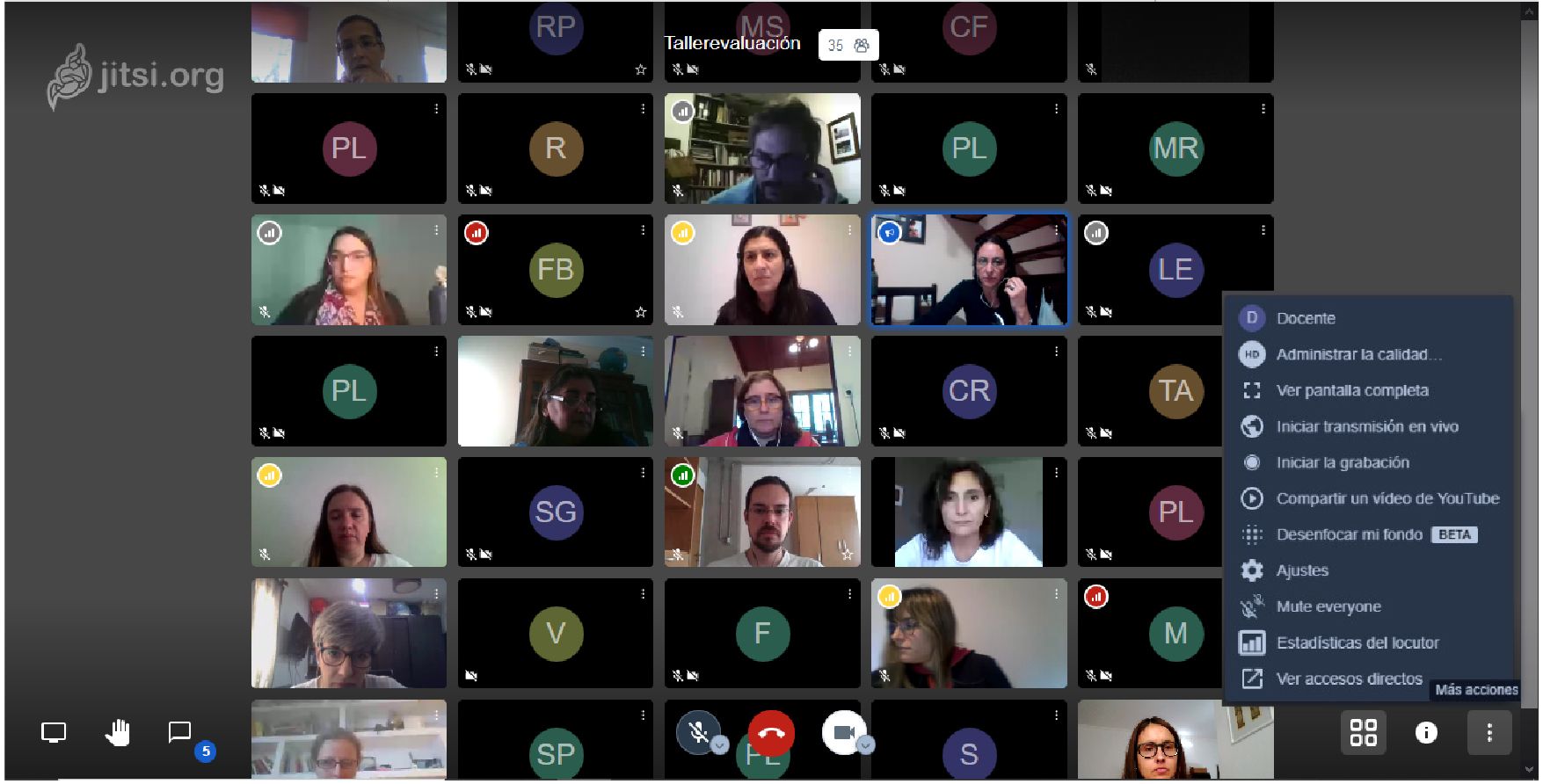
The main limit on using Jitsi Meet is the server's computing capacity and the speed of the connection.
Conclusions
The tools in the Business Box package will help you organise your team's remote work. Jitsi Meet is a tool for reliable, secure video calls with many additional functions.
Use Business Box for your work, raise your effectiveness and stay well. And Host4Biz will provide you with the tools your team needs.