


The best link shortening services

Link shorteners exist to cut long URLs down for use on social media, in presentations and in other documents. We have put together a review of the best services for shortening a link, sharing it and creating a QR code.
Why do links have to be shortened when passed on?
Why did services for such a small task appear at all? Links are shortened for two main reasons:
-
Short URLs look tidier in messages, posts and presentations, and text with such links is easier to format.
-
Once compressed, a URL is easier to dictate and to remember. UTM tags are not lost in the process, so even if the address is typed from a printout you will be able to tell.
URL shorteners also serve as an analytics tool. Many of them show statistics for clicks on a link, with fairly detailed breakdowns by geography and traffic channel.
Is it always appropriate and correct to shorten long links?
Shortening links is not always right or convenient. In email, for example, messages with shortened links will land in spam. That is a precaution: URLs hidden behind a shortener can lead to malicious sites or files carrying malware.
To stay out of spam, use full links in your mailings. Parameters can be removed from them, which makes the URL shorter.
We would also advise against shortening links in a site's navigation. First, nobody sees them there; second, a link can unexpectedly stop working — and if that happens, the shortened URLs will stop working too.
The best services for formatting links and adding tags
The tools in this selection are useful for more than formatting addresses. They let you add tags to links, and that matters when setting up marketing analytics and tracking how each promotional channel performs.
Business tools from the makers of Bit.do
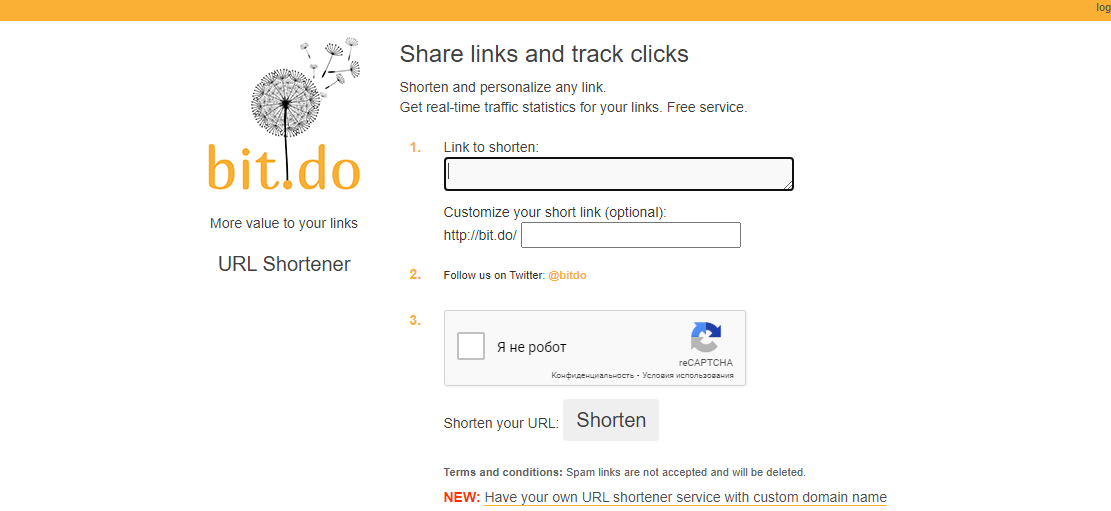
An extremely simple, intuitive service. You can write the last part of the link yourself, which matters a great deal: if a URL carries an incomprehensible string of characters, people will not want to click it.
Along with the short link you get a matching QR code that takes the user to the same address on the site. The codes can be printed and used for offline advertising, business cards and banners.
To see a URL's statistics, paste the address into the browser bar and add a - character.
The service was built by the Brazilian company Insite. Its developers point to several advantages:
-
You can register your own domain on the service. The basic plan does not come cheap, though — 85 USD. The Enterprise plan is 250 USD.
-
The statistics for all your reformatted links break down by country and even by city.
-
Links keep working forever, even if you delete your account.
The service immediately generates a shortened link, a separate address for click analytics and a QR code. An important tip: for the service to work correctly, give your links unique names.
Among the drawbacks are a somewhat dated design and an inconvenient way of displaying statistics.
Bit.ly — one of the leaders in the competitive race
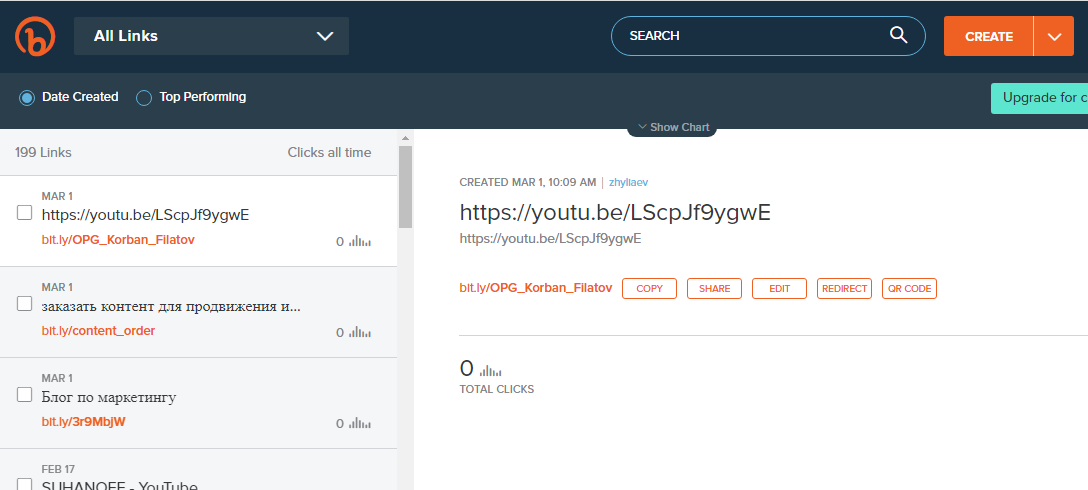
One of the most popular, convenient and capable services. It can be used even without registering, but with an account it is far more convenient. Signing in through Facebook and Twitter is available too.
For registered users only: you will see the number of clicks by day, a chart broken down by traffic source and more. Bitly will also show which channel brings you the most clicks.
Some internet providers block links created through this service, so in isolated cases inconvenience can arise.
The only minus may seem to be that the interface is not localised.
Cutt.us
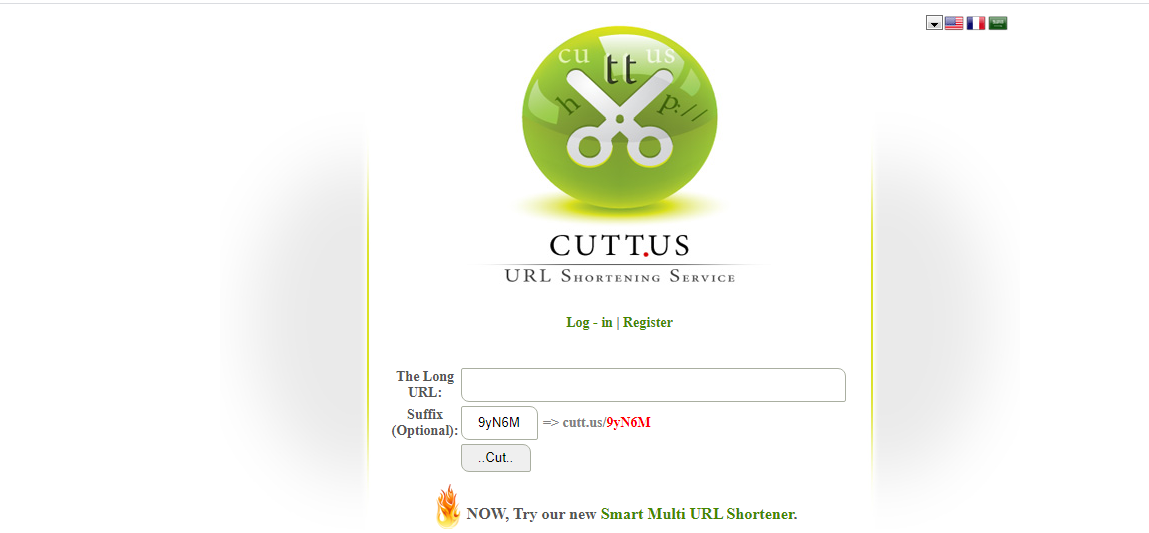
A free tool that needs no registration. The interface here is English only as well. Links can be grouped under one keyword, and you can set the ending of the URL you want.
To do that, go to the site and paste several links from one site into the box. Then simply enter a common ending for them — myblog, for instance.
Among the drawbacks are the absence of analytics and an interface with no localisation.
Is.gd
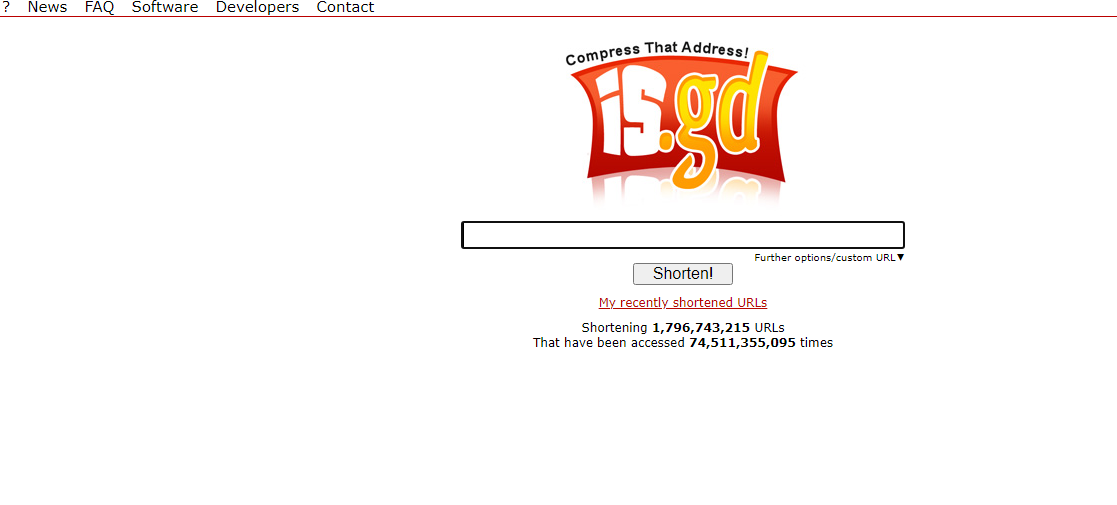
A light, convenient shortener. You can work here without creating an account. It keeps click statistics based on cookie data, though the interface is not user-friendly at all.
Rebrandly.com — a shortener with advanced analytics
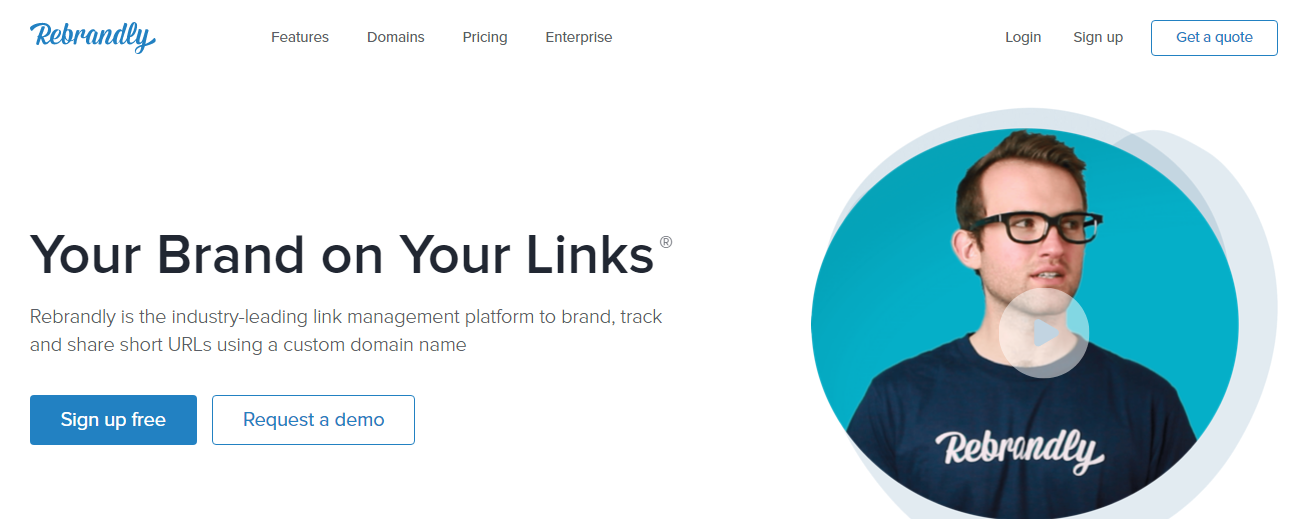
One of the most convenient and capable tools in our selection. This site can:
-
attach domains other than the default one to a link — a function available only once you have bought a paid plan;
-
add UTM tags to the original links for click tracking;
-
generate several variants of a shortened link.
The free plan limits the number of clicks on links. The top plan on the service is 29 USD a month.
The most serious drawback is that deep analytics is not available in the free version.
Tinyurl.com — old, proven, accessible
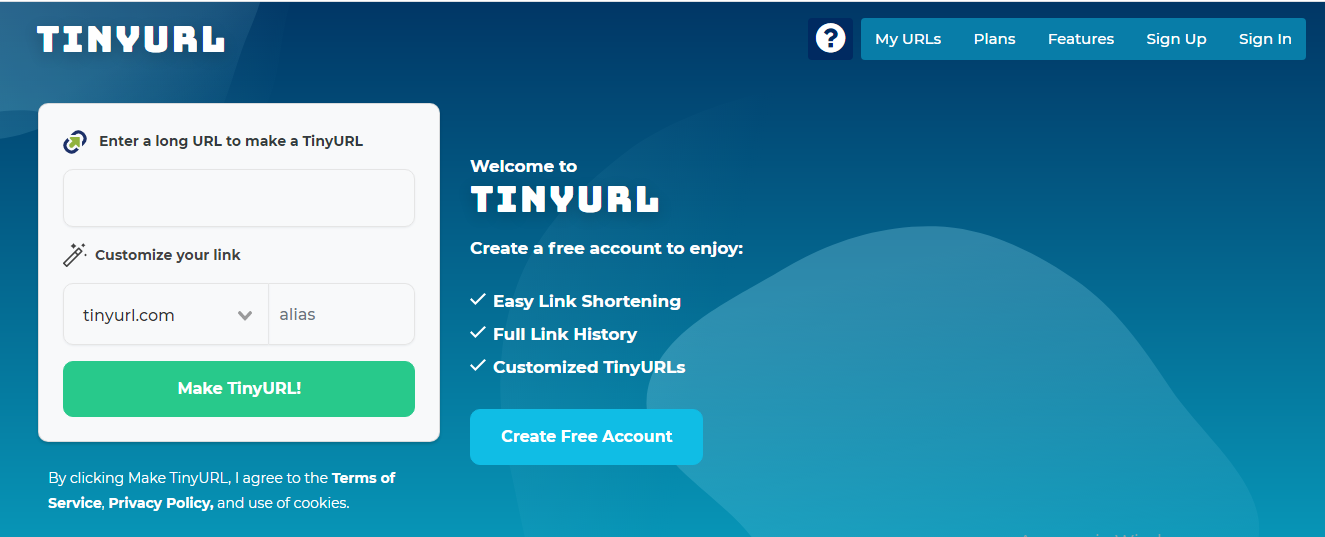
One of the oldest free shortening services, launched back in 2002. For a long time the site worked closely with Twitter, but the social network first switched to Bitly and then built its own tool, t.co. It works reliably but is packed with advertisements. Here too you can make a unique URL with your own structure and ending: add the long link and go to the custom alias field, where the custom URL ending is composed.
The interface here is dated but fairly clear.
To.click — a tool with its own Telegram bot
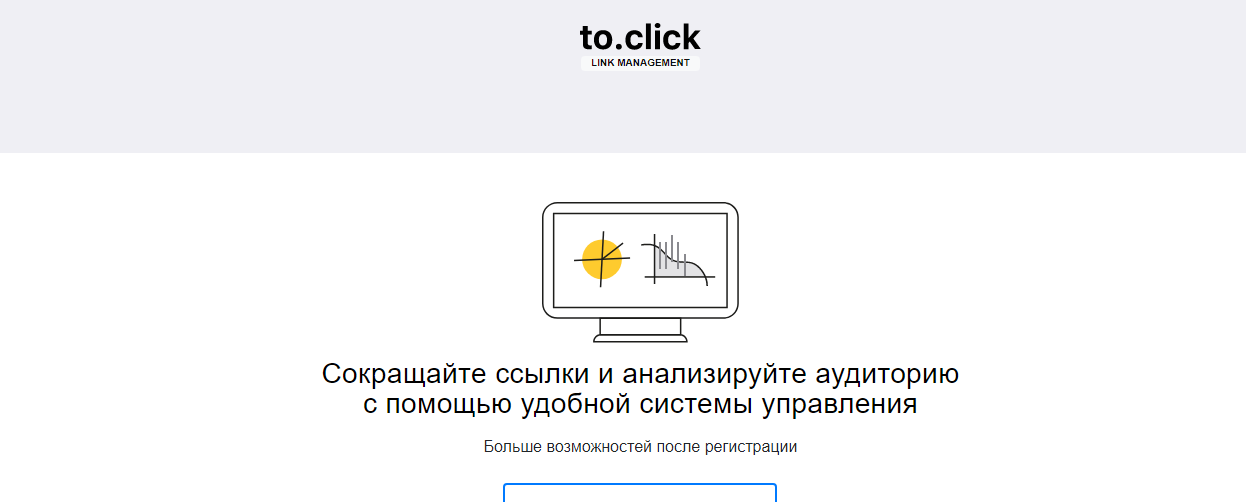
This is a multifunctional and very advanced service that goes beyond a simple link shortener. After registering you can customise the short URL to your site's domain. A pixel for targeted advertising and other analytics tools become available as well.
Links can also be shortened through the @toclick_bot bot.
An interesting particular is that the service supports even Cyrillic and emoji in the URL ending, which raises a link's click-through rate.
Among the drawbacks: the full set of capabilities is available only once you have paid for one of the plans.
U.to — minimalist and extremely simple
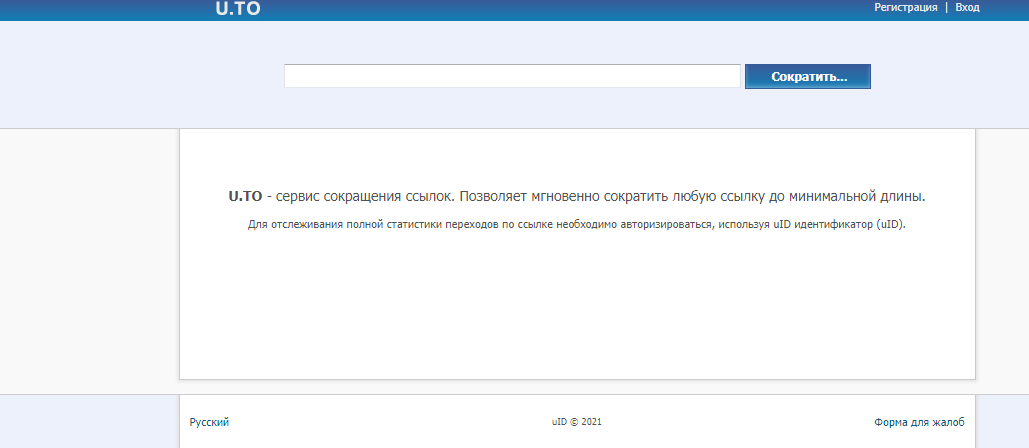
A service with a minimalist design. Registering is not required to get started, but if you want to track clicks on your links you will need an account.
The only minus worth naming is an over-detailed registration form with ten required fields.
T1p.de — German reliability in working with links
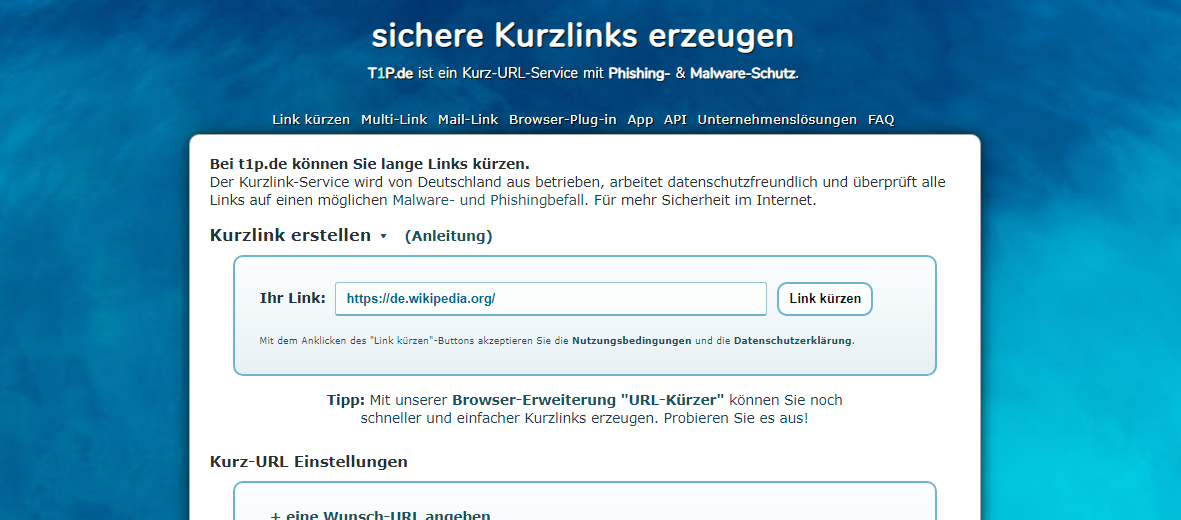
This service's distinguishing feature is heightened security and care for the safety of personal data. Every link is checked for safety and for the absence of viruses, the service does not store users' personal data, and there is an anonymisation function for following links.
The minuses are a not especially intuitive interface and the absence of customisation.
Services best avoided
There are several services we would advise against for various reasons. They may be improved in future, but at the time of writing these sites did not appeal to us:
Bc.vc — click a shortened address and you first see intrusive third-party advertising. That takes time and distracts from the purpose of the click.
Demo.polr.me — a decent but still raw project, and still in beta. Link customisation and other functions are already there. For now the service gives an impression of unreliability and we cannot recommend it.
Zapier URL Shortener — a convenient, reliable service with good functionality. But it is available only to those who have registered with the Zapier integration service, which is inconvenient for many.
Yourls is not an online service but a set of PHP scripts. With it you can build your own link shortener. Such an approach is not always justified, though: setting it up and launching it calls for developers.
We do not recommend Urlways.com because opening a shortened link makes users sit through advertising. That is what keeps the services alive, but being distracted is not always pleasant for the user.
Which service should you use?
Most services offer very similar functionality, but the small details make a serious difference. No one site can be called the best outright. So we have picked out several situations and recommend a different service for each:
- Just need a shortened link with no extra functions? U.to, Bitly.com and Is.gd will do.
- Want to generate a QR code for a landing page, a flyer, outdoor advertising or something else? Use Bit.do.
- For shortening several links at once, Cutt.us fits.
- For anyone who needs an advanced tool with customisation and other extras, Rebrandly.com is the answer.
General advice on shortening URLs
Experienced users treat links with great care and look closely before clicking them. There are also norms of digital etiquette worth observing when shortening URLs and sharing them.
A few tips to help you avoid trouble when working with links:
-
If you have decided that shortening a URL is appropriate, use a service with an https connection — that matters for data security and for other people's trust in your links;
-
Always put a comment before the link saying what lies behind the shortener; people are reluctant to click links with no explanation, fearing viruses;
-
Set custom endings and make them legible to a human being — uslugi_kompanii, kp_kompanii and so on. That matters especially when shortening links to Google Docs or to videos on YouTube.
Conclusions
Tools that compress URLs help track clicks on links. Properly composed shortened links attract more attention on social media and on sites.
Comparatively recently, QR code generation joined the standard functions of shorteners. That is very convenient and widens the range of uses: codes are needed for product packaging, printed advertising and dozens of other tasks. So the sites in our selection are simply a must-have in the arsenal of a marketer and of anyone else working in business.
We recommend opening accounts on several services, testing them all and choosing the two or three that suit you best.