


Opening Business Box: Nextcloud, your cloud storage
This article is 5 years old — prices and terms may have changed.
In the age of remote work, any business needs a tool for storing and exchanging documents. Such services have to provide storage for files, quick exchange and teamwork on information.
The most popular services for storing data
Competition on the cloud services market is fierce, and users can choose among dozens of alternatives. The most popular:
-
Google Drive — every Gmail account holder gets 15 GB of disk space free. For a fee you can have 100 GB, 200 GB or even 2 TB.
-
Dropbox — using this cloud service requires downloading a client program. 2 GB are available free. If that is not enough, the space can be raised straight to 2 TB. For business there are plans with 3 TB, 5 TB and any other volume.
-
Microsoft OneDrive — here the free plan gives access to 5 GB. The paid plans include 100 GB, 1 TB and 6 TB.
-
Apple iCloud — plans of 50 GB, 200 GB and 2 TB are available.
Choosing a cloud storage service can be hard. Some give little disk space, others are too expensive, and a third group has an inconvenient interface.
Because of that many businesses use several services at once, and competition on the cloud services market never stops.
Nextcloud — open source cloud storage
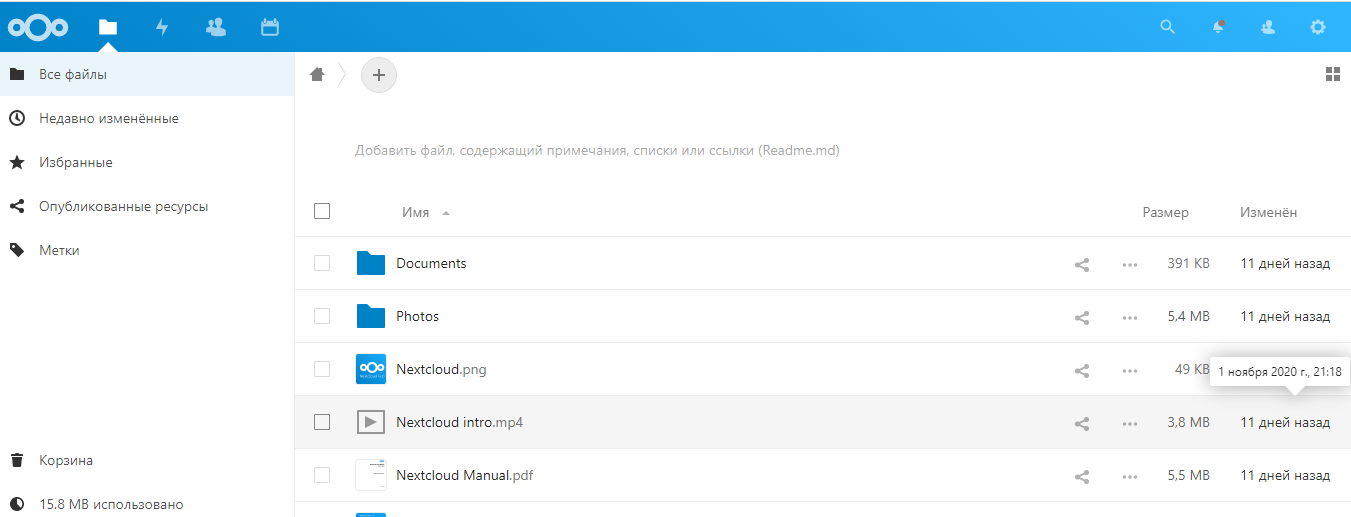
Assembling the Business Box set of services, we settled on Nextcloud for storing data. It is a very convenient and affordable alternative to Dropbox, Google Drive and other tools.
What are this platform's advantages over its competitors?
-
End-to-end encryption of data, which protects information more reliably. For comparison, Dropbox does not provide end-to-end encryption.
-
Cross-platform support. Nextcloud is compatible with every main mobile and desktop platform (iOS, Android, Linux, Windows and others).
-
Nextcloud includes several functional modules. It is more than a file store: the service also holds a task module along the lines of Todoist.
-
Nextcloud can be deployed on a physical server or a VPS, which gives you more disk space.
-
Nextcloud also works out cheaper for teams of 20 people and up.
-
The service holds a Talk module for organising video calls. You simply generate a link and send it to a colleague.
-
With the other built-in modules you can view and edit PDFs and files, create a convenient calendar with notes, build mind maps and add dozens of other functions useful at work.
Nextcloud out of the box, and configuring it
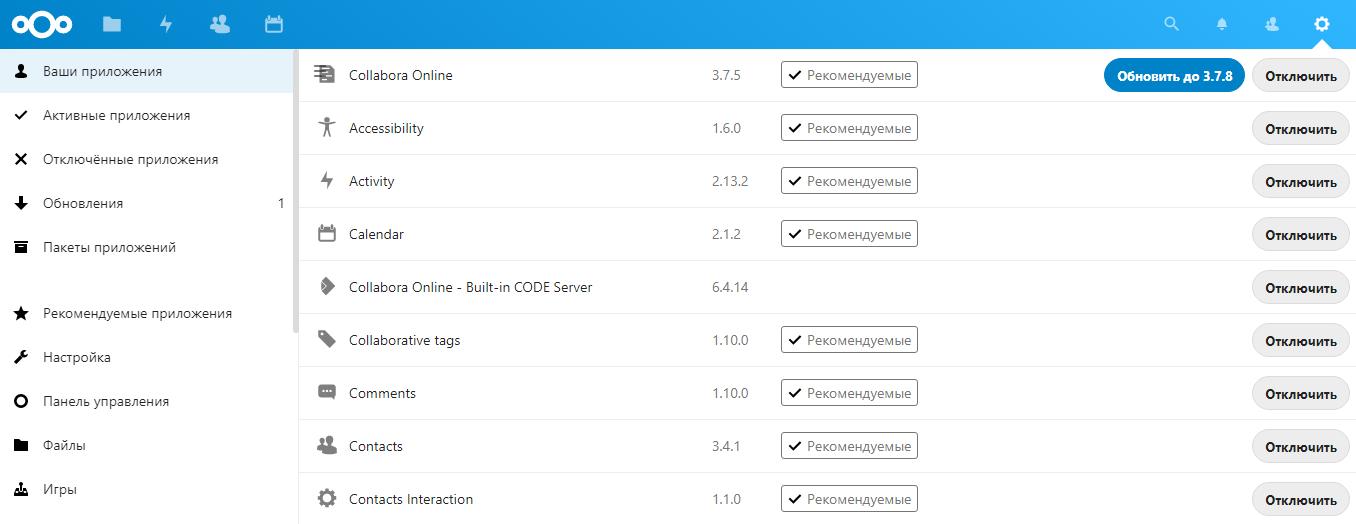
The out-of-the-box version does not have every Nextcloud function. You can store:
-
files and folders;
-
contact cards;
-
calendar events.
If you need them, other functions can be added:
-
notes on files and tasks (similar to Google Keep, but with fewer capabilities than Evernote);
-
listening to music in a web player;
-
a chat and video call module;
-
integration with OnlyOffice, which lets documents be edited straight in the browser.
Nextcloud has to be installed and configured on a server. You can do that yourself — but the Host4Biz team has already taken care of it for clients. We give every client access to a Nextcloud already installed and configured on the server. You can adapt the tool to your needs, adding modules and users.
How can NextCloud be used?
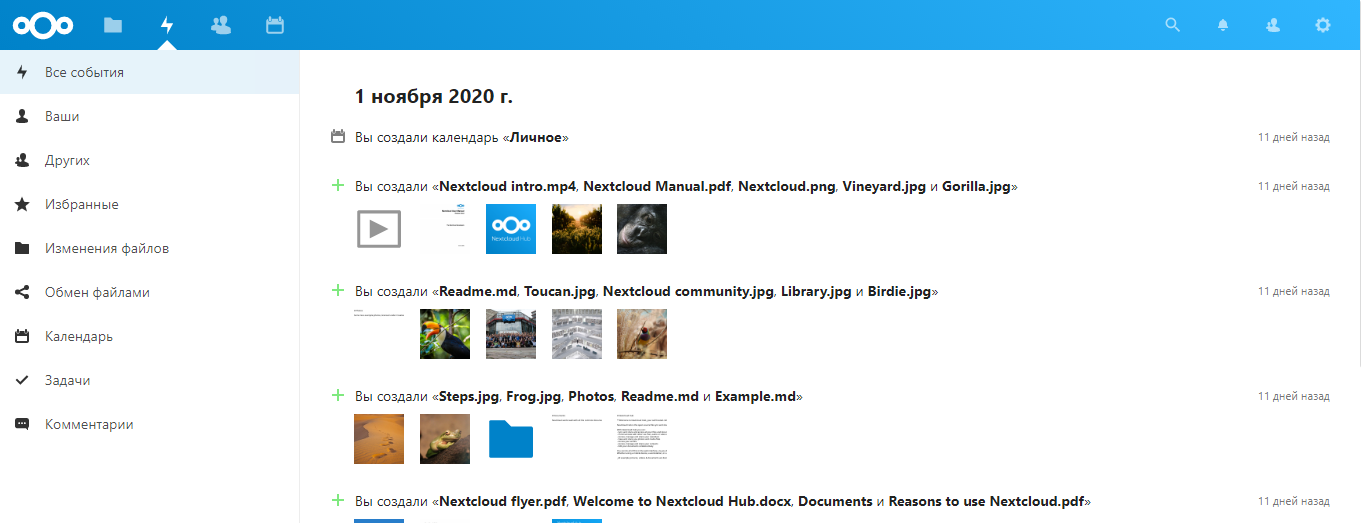
Let us go through the main scenarios for using Nextcloud. We give only three, though there are many more. Once you understand the main capabilities, you will be able to configure the tool for your own needs.
Nextcloud for storing files with remote access. For that a network drive has to be set up on the PC, and the application installed on mobile.
Nextcloud offers clients for Linux and Windows. They provide access to files and synchronisation.
Team access to files and organising tasks. Several people can work with the data on one server. There are only two limits: disk space and the server's performance.
Nextcloud has no editor of its own, but it integrates easily with OnlyOffice. That tool includes a cloud service, a mail server and a CRM system — a good option for larger companies with strict security requirements.
The Nextcloud catalogue offers four alternatives to Evernote:
-
Task — builds lists of tasks simply and quickly.
-
Notes — text notes.
-
Deck — a task planner based on the kanban method, similar to Trello.
-
Carnet — a note store along the lines of Google Keep.
With the tools from Nextcloud you can create a working ecosystem for a company or for family use.
Summary
Nextcloud is a modern, affordable and capable tool for remote work. Together with OpenVPN, Jitsi and the other services from Business Box it will noticeably simplify life for anyone who has to get a team working remotely.