


Where do you get pictures for a site?
This article is 10 years old — prices and terms may have changed.

Picking images for a site, a blog or social media is a headache for many site owners. Where do you get a picture that fits the subject, is of good quality and brings no trouble with the rights holder? That is the question we will go through today.
Choosing a picture is no simple task, because it has to interest people, catch them, stir the right emotions and lead them to a result — a visit to the site, the reading of an article, a purchase.
On the one hand, there are fields of business where choosing a picture is somewhat simpler. Food blogs, for instance. Everything is fairly clear there: if you write about a steak, you need a photograph of a steak. Wardrobes, gifts, made-to-order bouquets, curtains — in those cases the image presents and sells the product.
On the other hand there are services. Our company, for example, sells hosting. And in most cases we use pictures on the site to catch attention; they work not directly but as an element of the design, refreshing an article or conveying information (infographics).
What image comes to mind when hosting is mentioned? That is right — most often a picture of a server.
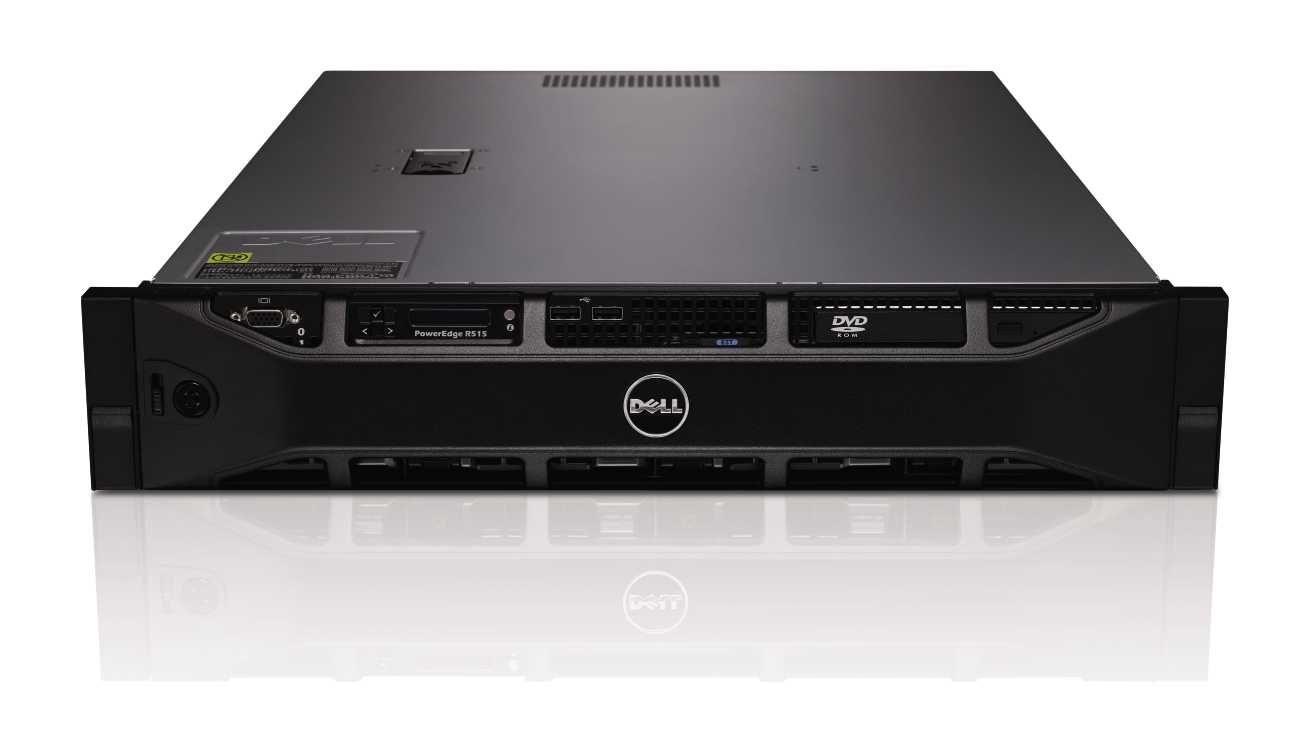
But you cannot fill the site, social media and the blog with identical photographs of servers. That is boring and carries no meaning beyond the literal one: note this, it is a server. So we try to vary our visual content. Things do not always go to plan, however.
And we have a story about that.
About the fighter jet

Some time ago we started getting questions from customers about payment: could one more payment method be added? That question was settled by connecting to another payment aggregator.
Before connecting, the aggregator company checks the necessary documents and the content of the site against its internal rules.
And then, after several weeks of correspondence with a manager, a mountain of scanned documents and completed stages of checking, we received a letter asking us to remove a photograph of a fighter jet from the site because we had no rights to use it.
A small digression: at the time we had chosen the photograph of a fighter jet for our Shared hosting page to show how fast the hosting we offer our customers is. The association was meant to be this: servers on SSD drives fly as fast as a fighter jet.
We wrote a long, detailed reply. Dear aggregator, this image of a fighter jet was taken by us from a stock image library with a licence for commercial use. We attach a link to the library and a screenshot confirming the image's licence.
The other side was silent for a short while, about ten days. After which we were told that if we did not remove the image, even a licensed one, their company would not work with us.
Because the team checking our site does not like that image. Does not like it, and that is that.
We replaced the image of the fighter jet, only now we work with a different company.
And this story shows clearly that somebody may simply dislike your pictures, regardless of the appropriate licence or even of their uniqueness. All sorts of situations lie in wait on the hard road of filling a site, but you still have to move on.
Where do you get pictures?

There are many ways to pick good visual content for a site: take free images from free stock libraries, buy images, take your own photographs, draw, make infographics.
Everyone chooses what is closer and more convenient to them. We will not write about a very large number of sites but will try to describe the ones we use ourselves.
1. Sites with free images
http://pixabay.com — here you will find free images.
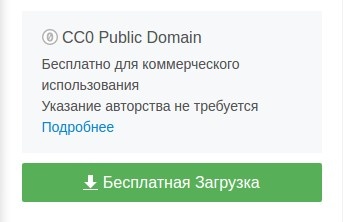
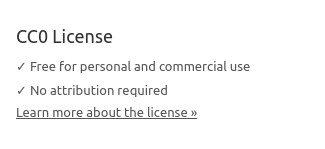
Attribution is most often not required, and the CC0 Public Domain licence makes it possible to use the pictures on any site at all, including commercial ones.
The resource is a good one: a convenient interface, a large number of photographs, videos, vectors and illustrations — plenty to choose from. On top of that the site carries sponsored images from www.shutterstock.com.
The site's home page carries this information: "All images and videos on Pixabay are released free of copyright under the Creative Commons CC0 licence. You may download, modify, distribute and use them free of charge for any purpose, including commercial ones.
Attribution is not required." To the right of an image, as you can see, is the information about its licence:

And if you go to the "Frequently asked questions" page, it says this:
Remember that you should not use photographs of people who appear in a situation that could compromise them. In any case, images have to be chosen carefully.
The second resource is https://www.pexels.com, quite convenient, with free pictures.
A pleasant design and the ability to filter photographs by colour make this site very attractive to the user.
To the right of the chosen image is the information about its licence.
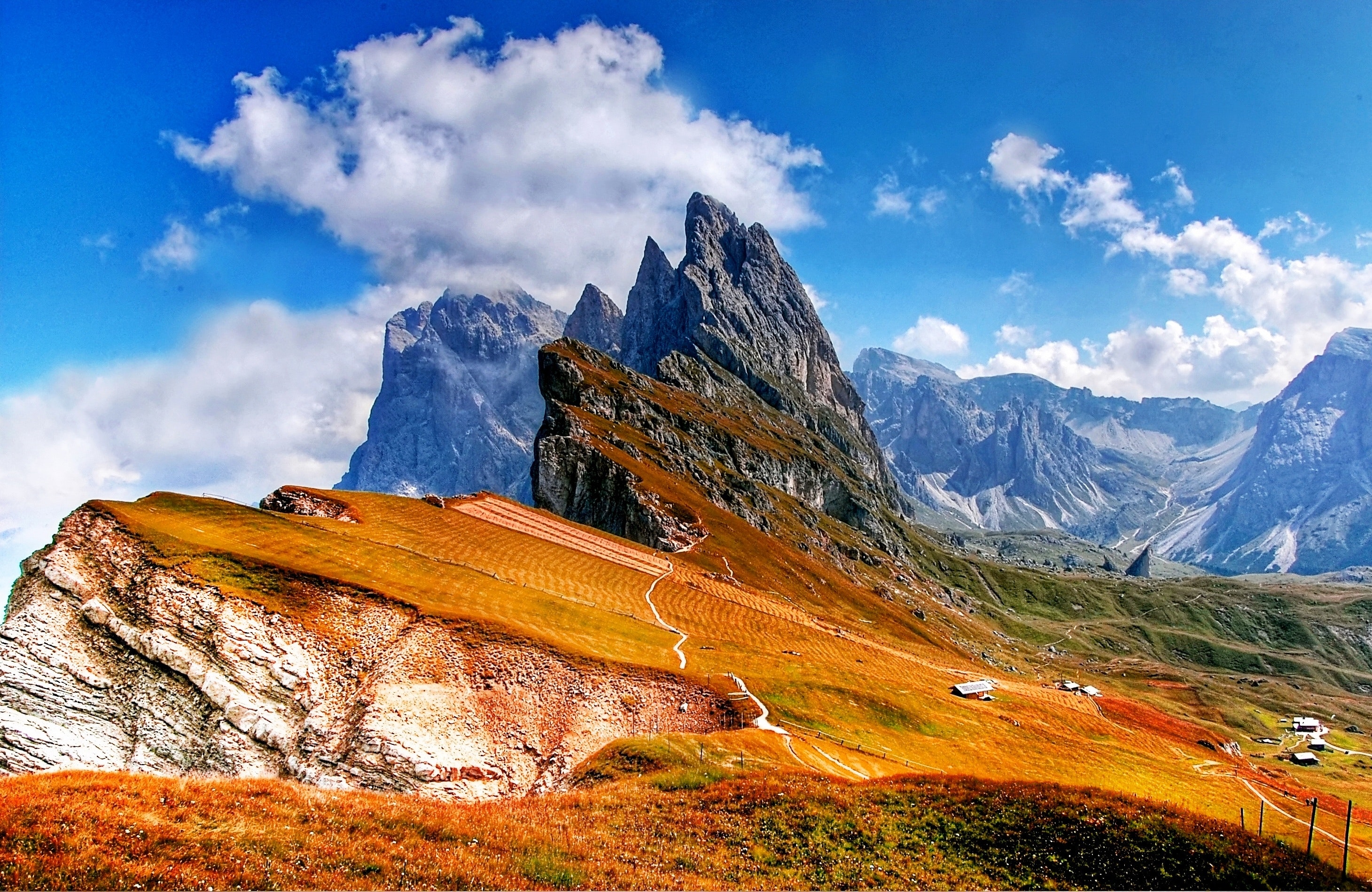
If we cannot find anything suitable on those sites, we use the photo stock search engine http://www.everystockphoto.com.
It really does search a large number of images, but the licence information has to be read carefully. The resource is good because you do not have to look through site after site in search of one picture.
2. Buying images
This option suits web designers better, perhaps. We do not use such images often, because in hosting it is not so much the images that matter as the technical parameters of the services provided.
Here are several paid stock libraries where images can be bought:
- http://www.shutterstock.com — a great many high-quality photographs, though the prices of some images are high.
- Adobe Stock (formerly Fotolia)— a decent library; the only problem is that some of the pictures are small.
- istockphoto.com — an old, proven paid photo stock, but the prices match.
3. Photographs of your own
Excellent visual content! These are unique images, and nobody will be able to make a claim against you over them.
You take the photographs — you decide how to use your own photographs.
There is a minus too — your own images may be poorer in quality than professional ones (unless you are a photographer, of course). And, as happens with us, the process of taking the photograph can involve certain difficulties.
To take a good photograph of a server you need good light and a background, and it is generally better done in a studio. Bearing in mind that servers come in different sizes, some can weigh more than 30 kg while remaining fragile equipment, and dragging them back and forth is not the best idea.
We captured the happy moment when this beauty arrived:

In short, if you have the time and the means to take photographs yourself — do it, and photograph as much as you can on your subject. If a photograph has not come in useful now, that does not mean it will not come in useful later.
4. Your own drawings

Here we have to admit defeat. We are good at configuring servers and building networks, but drawing is not our thing.
And if drawing is among your talents, it is definitely worth using.
5. Infographics
A great deal has already been written about infographics: some people use them often and with pleasure, others say that this kind of content has bored everyone and it is better to write more text. As many people, as many opinions.
We use infographics on the site — not often, but we do.
There is a very convenient resource, http://www.easel.ly, with which you can make an infographic either from templates or from your own photographs and icons uploaded to the site. For one of the articles in our blog, for example, we made this:
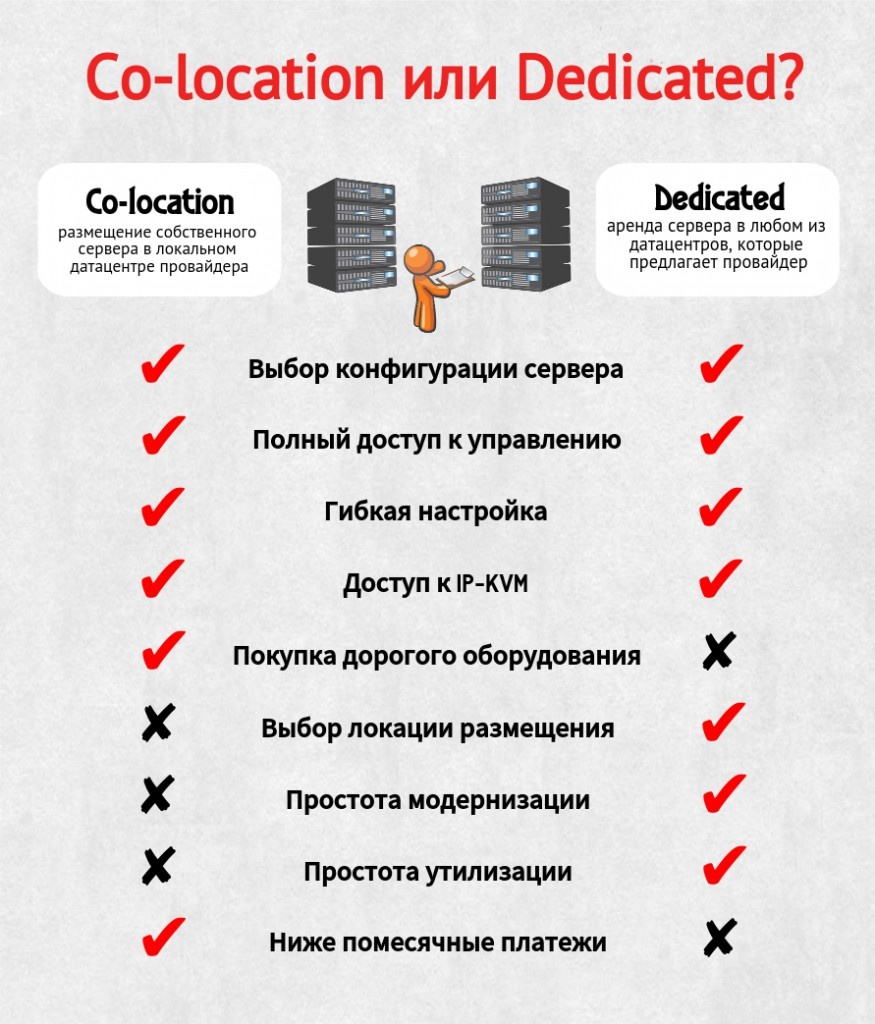
So there is no shortage of ways to make your site, blog or social media page more interesting.
We have listed only the ones we have tried personally, use regularly and are happy with. You can choose the resources and methods of creating visual content that are most convenient for you.
We hope our article helps you with that!