


Site vulnerabilities. How to find and fix them
This article is 6 years old — prices and terms may have changed.
The experience of thousands of companies shows that a site's vulnerability to hacking and data theft is becoming an ever greater business risk. Hackers hit both a company's finances and its reputation.
No one is insured against weak spots — vulnerabilities — appearing. What matters is searching for them regularly and fixing them quickly. This article explains how.
What are site vulnerabilities and what kinds are there?
Hackers exploit flaws and weak spots in a CMS to steal valuable information
In IT, site vulnerabilities are the flaws and weak spots in a CMS and in a site's code that hackers can use to break in and steal personal data and other valuable information.
Vulnerabilities appear because of mistakes in system design and in programming. They can also be caused by weak passwords, by viruses and malware, and by SQL injections.
The following can all be vulnerable to attack:
- websites;
- mobile apps;
- desktop software;
- online services.
It is important to know how to find vulnerabilities in sites, including with software tools. The faster you find the weak spots, the lower the risk and the sooner they can be fixed.
Piling on security tools does not always raise the level of protection for a resource. It matters more to choose the right site vulnerability scanner, to update the CMS and plugins on time, and to get an SSL certificate for the site.
An interesting fact: research by Positive Technologies found that the most secure sites are written in Java and run on commercial CMS platforms. Although resources written in PHP can be reliably protected too.
The most common vulnerabilities
There are a great many different site vulnerabilities
There are a great many vulnerabilities, and covering every one would take several volumes, so here we will briefly go through the site vulnerabilities that occur most often.
SQL vulnerability
Every site has a database. It stores information about the site or its users. It may hold personal data such as phone numbers, e-mails and so on.
If a site or a service cannot handle a request correctly and safely, attackers can enter special commands and gain access to the database. And through it, access to the whole site becomes possible.
There are many software vulnerability scanners for sites. There are also ways to check a site for SQL vulnerabilities manually, but they take a lot of time.
Weak spots in authentication and session handling
Authentication checks are not always performed correctly and safely. As a result, attackers can obtain access tokens (identifiers) and use them for a while, or even permanently.
Only a specialist or a site scanner can find a vulnerability like that.
XSS vulnerability
XSS vulnerabilities are in many ways similar to injections. The main difference is that XSS does not touch the server or the database. The vulnerability is typical of sites running on JavaScript. Attackers pass malicious code in one of the fields.
The browser treats that code as coming from the site and executes it. As a result, attackers can get hold of site users' logins and passwords, and from there it is one step to the rest of their personal information. Financial data is often stolen the same way.
Host4Biz offers its customers a vulnerability scanner that will help check sites, including for XSS.
Poorly configured access control
This is a very common mistake by web developers and system administrators. The problem affects even popular and relatively reliable engines.
An example of such a vulnerability: the wp-config.php file contains the database access passwords. It is protected by its php extension. But editing it in Vim and then saving it incorrectly creates a backup copy in swp format. That copy can easily be opened in a browser and edited.
The site's code may also contain errors that expose secret information to unregistered users.
Configuration errors
For a web application to be secure, the server and the configuration at framework level have to be set up correctly. On top of that, you have to update the software regularly and monitor the state and security settings of the server.
Unprotected confidential information
Applications, sites and APIs often have no protection for users' personal information. Frequently it is effectively publicly available. Tokens, passwords, contact details, financial and sometimes even medical information about users are all at risk.
To protect confidential information you have to use https encryption and other methods.
Weak mechanisms for withstanding attacks
It is very bad when sites, services and APIs have no mechanisms for responding to attacks and defending against them. Checking that a login matches a password is not enough for protection.
The second aspect: the CMS or framework has to make it possible to roll out
updates that improve protection quickly.
CSRF vulnerabilities
The essence of such vulnerabilities is that an attacker can send an HTTP request, cookies or other data from the browser. They are injected into a poorly protected application.
Fraudsters can make requests from the user's browser. Applications treat such requests as correct and safe.
When you visit a CSRF site, your friends may start receiving promotional mailings you know nothing about.
Use of vulnerable components
CMS and API components may contain backdoors — vulnerabilities allowing covert entry and data theft. A simple example is WordPress plugins. Do not install cracked premium versions. Use only free plugins or licensed premium versions.
Unprotected APIs
Modern applications consist of client applications and a variety of API interfaces available through JavaScript. They run on different protocols and often contain errors that make them vulnerable. Only a dedicated tool or a cybersecurity specialist can find such errors.
Site audits as hacking prevention
Security audits of a site are necessary to prevent break-ins
Security specialists can prevent a break-in by running audits according to special methodologies. The check includes testing for every kind of vulnerability. In effect, the specialist carries out controlled attacks on the site, which is exactly what reveals how well protected the site or web application is.
The second option is a check with vulnerability scanners.
Imunify360: features and advantages
The Imunify360 antivirus for websites is one of the best tools for scanning and detecting vulnerabilities. It quickly finds and removes all malicious scripts. It works well with Joomla, WordPress, Drupal and other CMS platforms, as well as html sites.
Key features:
- Detection of every kind of malicious script. The antivirus detects backdoors, traces of black-hat SEO, trojans and other kinds of harmful activity.
- One-click site cleanup. In a couple of clicks the antivirus removes every malicious element from the site.
- Scan schedule and notifications. You can set up regular site scans and notifications about the problems found.
What should you do if the site has already been attacked?
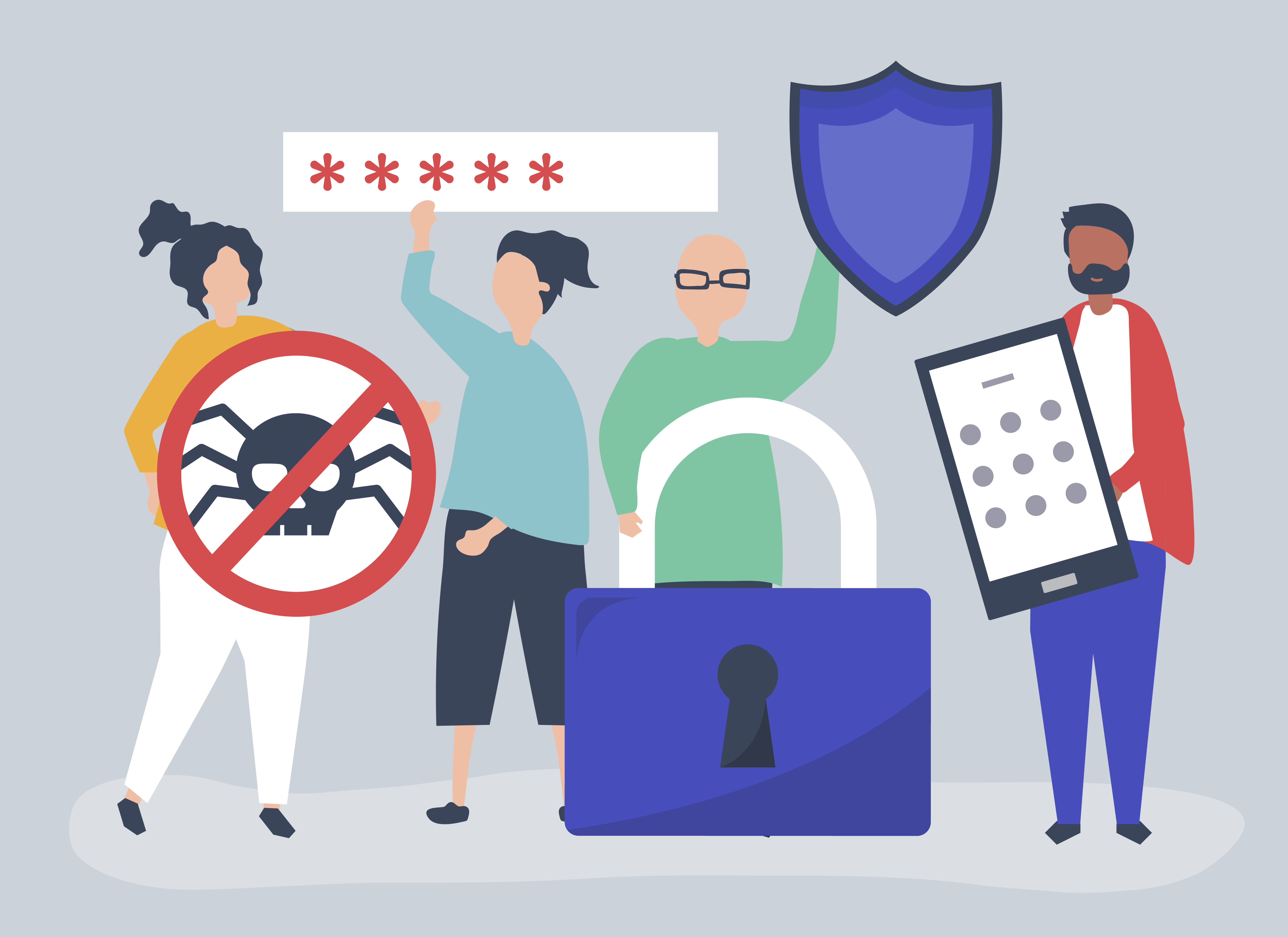
If a site has come under attack, precautions have to be taken
If you see that the site has been attacked, simply restoring it from a backup is not enough. What else needs to be done?
- Work out which files have been changed. It might be index.php, a template or other content.
- Take screenshots showing the consequences of the break-in.
- Notify the hosting provider and coordinate the recovery work with them.
- Create access error logs or request them from the host.
- Determine when the changes were made and look through the log entries for that period. That will help identify the attackers' IP addresses.
- Restore the site from a backup, update passwords, scripts and components. Remove the source of the vulnerability.
To reduce the risk of a break-in, follow a few rules:
- keep control of who you give the site passwords to; if outside specialists have access, delete their accounts once the work is finished;
- download themes and plugins only from trusted sources;
- set complex passwords and change them periodically;
- use security plugins — without them sites can be broken into by primitive brute force alone;
- make backups regularly;
- update the CMS and all components regularly.
Conclusions
For Host4Biz the security of your sites is a priority. We keep the situation under constant control and take precautions. In this article we have described what you yourself can do to protect your sites.
Read our articles and be sure to order WordPress hosting with reliable antivirus protection, automatic plugin updates and an SSL certificate. On a foundation like that your site will run reliably and fast.
The article uses images from https://www.freepik.com