


Opening Business Box: OpenVPN and what it can do
This article is 6 years old — prices and terms may have changed.

Before launching Business Box, our new service for remote work, Business Box we will tell you about each of the tools in the set. We start the overview with OpenVPN.
A VPN service: why does a business need one?
VPN stands for Virtual Private Network. Let us go through each part of that name to understand what VPN services are really for.
Why are such networks called private?
Let us start with the word private. It means that a limited number of trusted nodes — computers — exchange data on the network. That is the key feature of a VPN and of the services that run one.
On what principles does a VPN work?
-
All the data and the nodes on the network receive special identifiers, to mark the interaction of particular trusted devices.
-
Information passed between nodes inside the VPN is additionally encrypted.
-
Outsiders are denied access to the private network.
-
There is constant control to ensure that data important to the company does not leak out of the network.
Users get the equivalent of a local network. Only the computers connected to a VPN can exchange information inside it. The main difference is that those computers are not connected to each other physically or over Wi-Fi.
Why are remote networks called virtual?
Now to the notion of virtuality. A network is called virtual because the computers on it are not connected by cables or a Wi-Fi router. The connecting link is a piece of software and a server.
The parts of a VPN can sit on different continents. An ordinary internet connection takes the place of the physical channel.
To connect to a VPN, a client application is installed on the device. It identifies the node and encrypts the data. All the information passes through the VPN server shared by the network — in effect a separate computer. Its job is to identify the recipient before sending data and to protect the connection further. That is how a reliable channel is formed between two computers that are not in fact connected to one another. That is what the V in VPN means.
Which business tasks are VPN services used for?
Now that we have worked out what a VPN is, let us see why a business needs one.
-
Protecting confidential information about the company, its work and its counterparties. With a local network in the office everything is simple, but what do you do when you work remotely or travel on business? How do you connect to the server or to your work computer? That is what a VPN is for. A connection to your company's internal network has to be set up on your own computer. Once that is done, you will be able to reach corporate resources and work with the information without trouble.
-
Creating and maintaining a network between branches. Imagine your company's branches or offices scattered across different countries. How do you secure the connection in that situation? A VPN is needed. Set it up properly and every member of the team will be able to work together from different cities.
Who will OpenVPN suit?
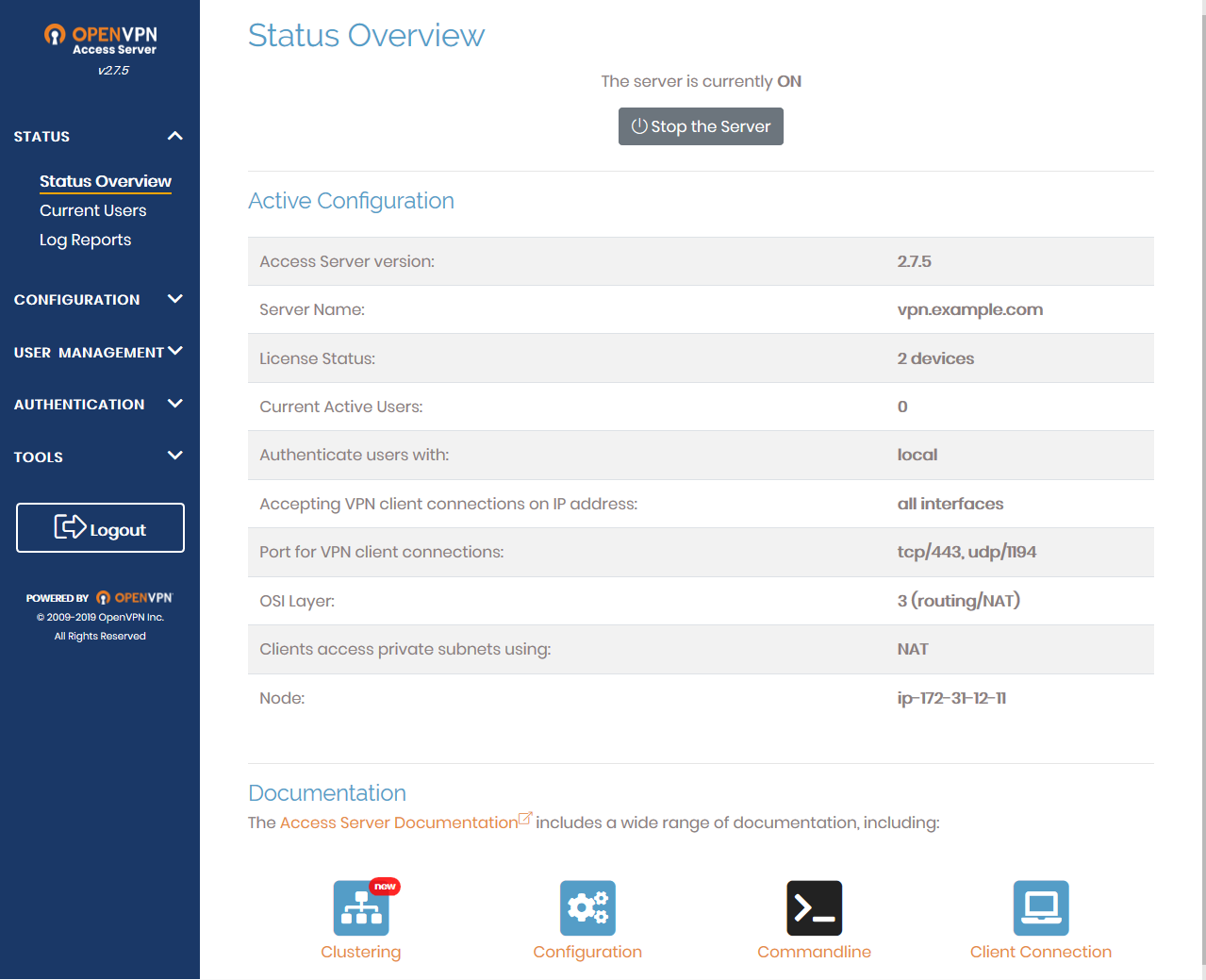
The tool will be useful for small and medium companies. Staff at thousands of such companies have been separated by quarantine, and in that situation access to working information held in the office or on a remote server is critically necessary.
Using a VPN will let you carry out your work and keep your data secure.
With OpenVPN you get a full VPS. You can store a site, working files and a database on it, and use all of that from remote computers.
How do you connect to a local network with a VPN?
To connect to a virtual network, the certificate and configuration files you receive have to be added to the OpenVPN configuration. The nodes, or members, of the network can be personal and office computers and the VPN server.
How much does deploying a VPN cost?
The OpenVPN client can be used free. To configure and deploy a VPN you only pay for the use of a VDS and for the administrator's work.
You can use an administrator from your own team or order administration services from Host4Biz.
You will be able to see what a VPN can do when you order the Business Box package.
Follow the articles on our blog. We will introduce you to the other services in Business Box. These tools will help you:
-
work with data remotely and securely;
-
manage projects;
-
exchange documents;
-
organise video conferences and more.
Grow your business in the new conditions, and stay well. The Host4Biz team will provide you with hosting, servers and other tools for that.