


How do you choose a theme for a WordPress site?
This article is 6 years old — prices and terms may have changed.
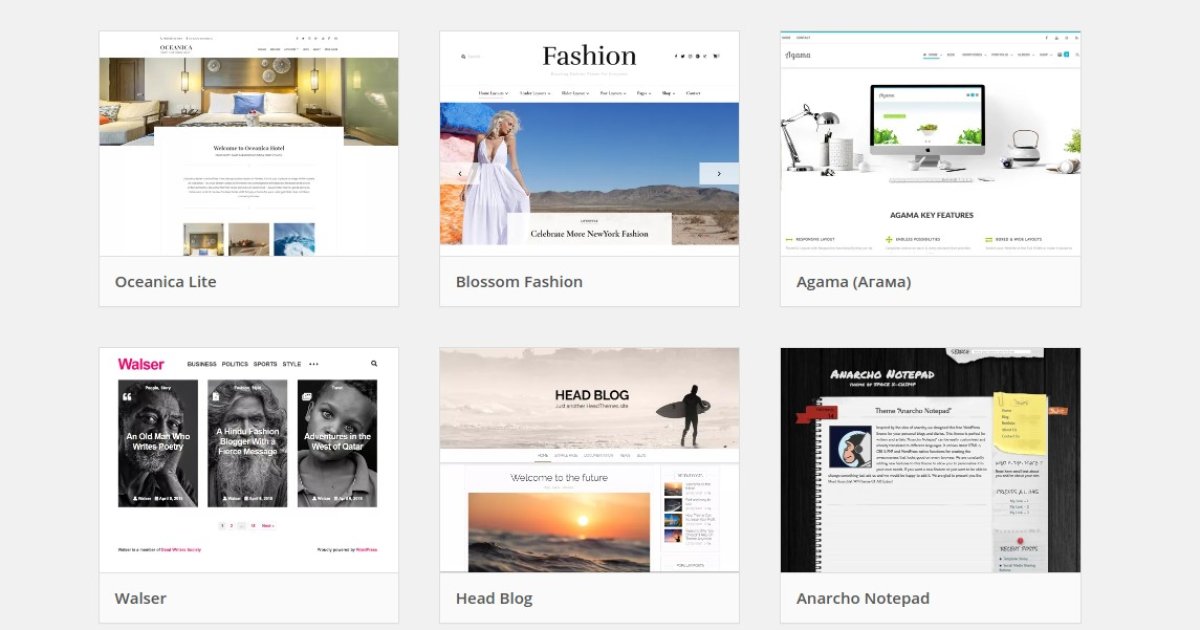
One of the first steps in building a site on WordPress is choosing the right theme. Whether the site works properly and quickly depends on it. Let us work out how to find a theme that suits your site.
The theme has to match the type of site
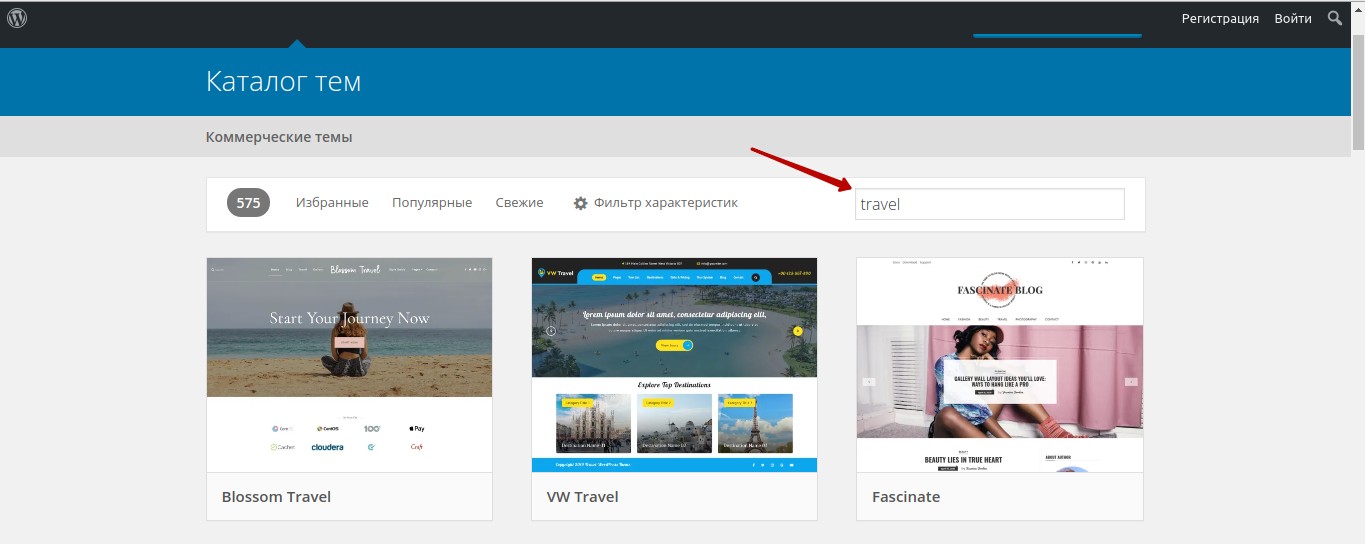
The first and most important piece of advice is to choose a theme that matches the site's subject. Want to build a site for a beauty salon? Do not look for it among themes for an online shop.
A small hint: the search will be more productive if you use the internal search in theme catalogues. Type keywords into the search box, for example business or music. And one more thing: the theme has to differ from the ones your competitors use, so study their sites.
Where do you look for WordPress themes?
To find a theme for a site you can use the site's admin panel menu. Find the Appearance menu and the Themes item. You will see the theme catalogue. Simply type a query and WordPress will offer you dozens of theme options for an online shop, a business card site and so on.
The second option is to search in theme catalogues and on developers' sites.
The best sites to search on:
A free theme is not always a good thing
You already know that WordPress themes can be paid or free. Themes often have both a free and a paid version. It is important to decide whether you want to pay for using a theme.
The official WordPress catalogue holds more than two thousand themes you do not have to pay for. On the one hand, some of them have a convenient structure and an attractive design. On the other, free themes have plenty of drawbacks too:
- Most free themes are not updated. Developers often create themes for their portfolio and receive no money for updates. So few people spend time and resources supporting the project.
- After a WordPress update, free themes start failing. Individual pages, or the whole site, stop displaying.
What should you do if your budget is limited and you have decided to install a free theme? Choose one of the popular, frequently downloaded ones. They are maintained by the WordPress community, which means the quality will be high and updates come regularly.
A paid theme is better for several reasons:
- support from the developer company
- regular updates that keep the site working correctly
- a unique design.
The settings have to be clear and simple
In every modern theme you can change the colour scheme and the fonts and add or remove functional elements from the pages. It is done with the Elementor builder or other similar plugins. That simplifies working with WordPress and makes it possible to build sites without any knowledge of code.
If you run into questions and difficulties, you can ask for help on the official WordPress forum or from the theme's developers (if you bought the paid version).
Pay attention to how often it is updated and to technical support

A good paid theme should be updated often. That is a marker that the product is of good quality, that the developers are conscientious and that the site will display and work properly.
Everyone using a paid theme gets technical support and regular updates. They can be installed through your site's admin panel.
Cross-browser compatibility and responsiveness matter a great deal!
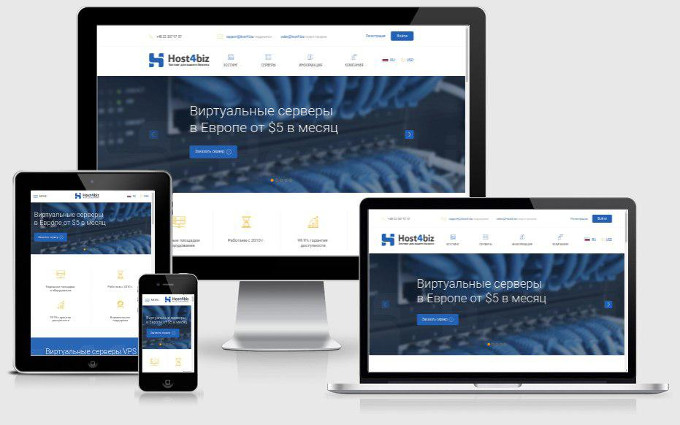
Browsers process and display sites differently. Sometimes that causes difficulties, and as a rule the problem lies in the site's theme. So that users can view your site without trouble, choose cross-browser, responsive themes on WordPress. These characteristics are usually stated in the description.
You can test how a theme works yourself. Open the site from a mobile phone (or several) and from a laptop. See whether elements overlap each other and how quickly the buttons react.
You can also use special services that emulate mobile screens and open the site through them.
But the best way to make sure a theme is cross-browser and responsive is to check it yourself, opening it first on a wide screen and then on a tablet or a smartphone.
Conclusions
We hope the advice in this article has been useful and that you will be able to find a suitable theme for a WordPress site quickly.
The main thing is not to rush into installing the cheapest option. Use paid themes, or their trial versions, that are updated regularly. Read the reviews in the WordPress catalogue.
The Host4Biz team will provide reliable hosting for sites on WordPress and for other projects.