


How do you optimise a product page in an online shop?
This article is 6 years old — prices and terms may have changed.
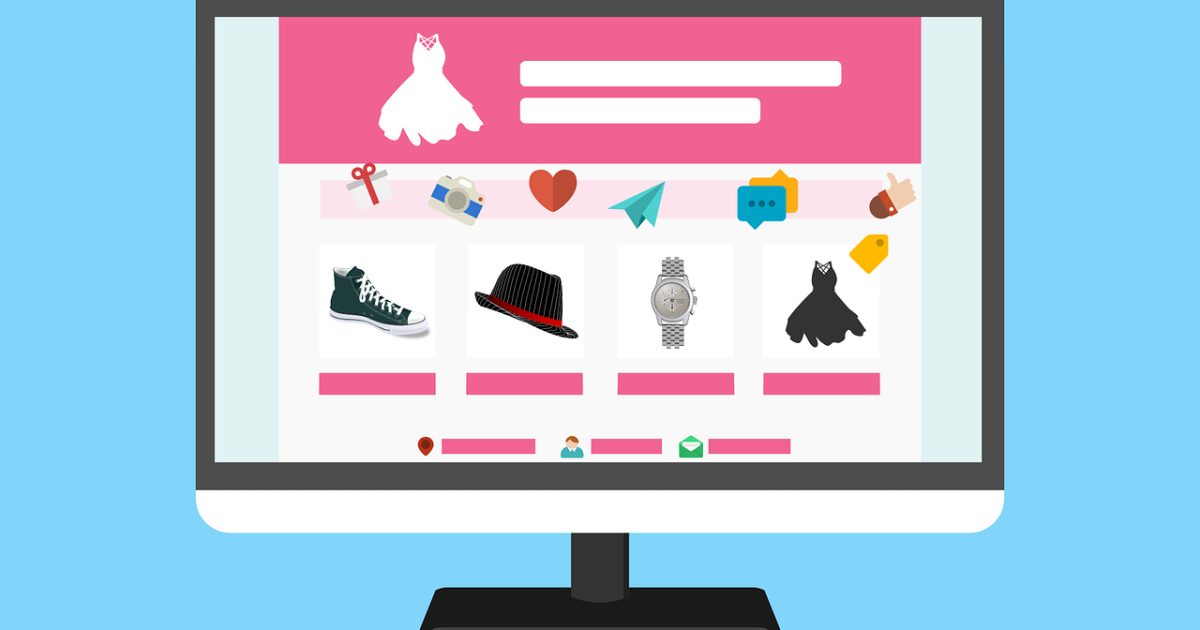
In theory, creating a product page in an online shop is not hard. Product pages help the customer choose the item that suits them. How do you make a product page bring more people into the shop and raise sales?
Even if your goods are of very high quality and in demand, it matters how they are presented to the buyer. Take into account the nature of the product and the brand, and the design of the page. Remember the site's usability and think through what the description should be. In this article we explain clearly what product page optimisation is and how to do it properly.
Good, well-made product photographs

People are judged by their clothes, and online shops by their appearance. The target audience decides whether this is a site worth buying from on the basis of photo quality. Sharp, vivid photographs of the catalogue items attract potential customers. And do not forget: your photographs are shown by the search engine too. So show yourself fully armed and in your best light.
When working on product photographs for the catalogue, remember that each one is unique and each is a message to a potential customer. For a product page, try to choose photographs that show the item's advantages.
Show the variants of a product with photographs
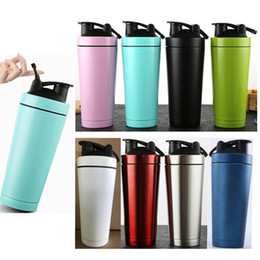
A sure way to bring products to life is to list their variants — scent, colour, taste, texture and so on. Customers will understand what a "protein supplement with a chocolate ice-cream flavour" is without a photograph. But a "pearl-pink shaker for mixing sports supplements" is hard to picture correctly without an image. Pictures like that are guaranteed to raise the conversion of product pages.
A brand is more than a logo
Your brand is first of all not the pictures on social media but the company's values and the question of whom you sell your goods to and why. Why does it matter to present the brand properly and talk about the company's values on a product page? A visitor may well begin their acquaintance with the shop from a product page rather than the home page. Use the chance to present the brand in its best light.
Give customers detailed information about the product
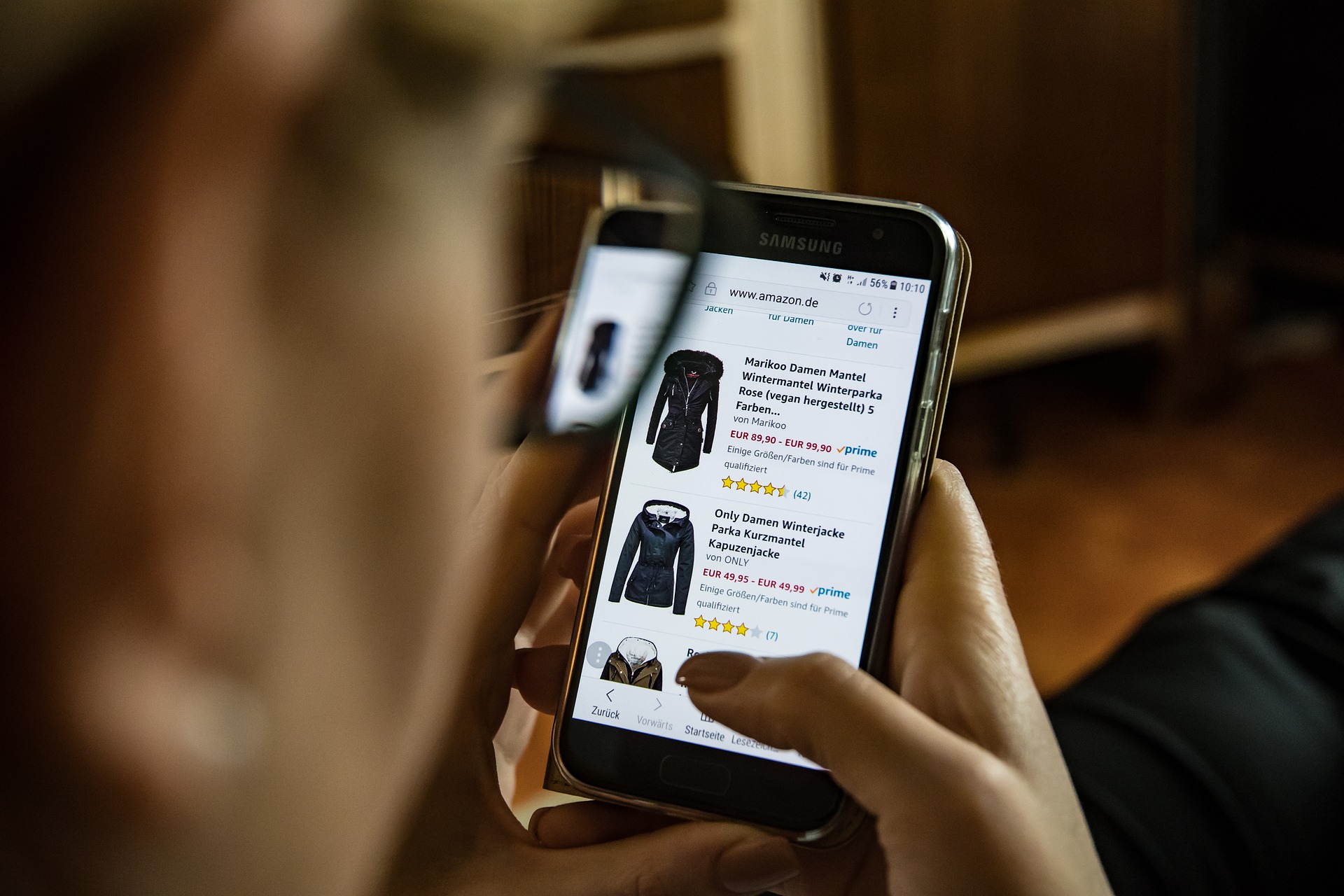
When creating content for a product page, start not only from the product itself and its price. Focus on customers' needs, whether they have already bought or are only looking through your catalogue.
Information about a product has to be useful and clear to as many potential customers as possible. Our advice:
- Put the emphasis on the product's advantages and its main useful properties.
- Make the instructions for using the product as useful and clear as possible. That raises trust in the shop.
- The content has to be readable and structured. So use headings, subheadings, bulleted and numbered lists, and highlight what matters. That way users will easily find the information they need.
- Many users want to learn more detail about a product without reading too much. Add a pop-up menu, drop-down tabs and so on. Content like that will be useful without overloading the page.
And finally: film video reviews. In a clip you can not only give more information but tell a whole story about the product.
The important details that create a product's value
A product page in an online shop has to contain exhaustive information about the item. That applies especially to pages for expensive goods. In the description, give convincing information that explains the high price. Talk about how it is made, about its quality and its assembly, for example.
Speak the customer's language and inspire them with your content
Ask yourself whether the content of your product pages can interest customers and be of use to them. Content should not be bland and boring. Try to bring the product to life. A readable description is good; a readable, interesting and useful one is ideal.
A clear, concise call to action

The main goal of a product page is to prompt a person to buy the product. So the "add to basket" button is the page's most important component. Make it stand out from the content. Remember two main rules:
- The button has to be noticeable.
- The space around the button has to be empty, so that nothing distracts the user from the purchase.
Do not exercise your creativity on the call to action. This is precisely the case where "Add to basket" is the safe bet.
Do not forget about social proof

Reviews, photographs and other social proof raise users' trust in a shop, especially for new brands. Besides that, every new review:
- Refreshes the content and raises the word count on the page.
- Keeps the user on the page longer while they read it, and lowers the rate of abandoned purchases.
And one more thing: remember who your customer is and what they want. Try to think through the prism of understanding the customer and their values.
We wish you luck!