


What spam is and how to fight it
This article is 6 years old — prices and terms may have changed.
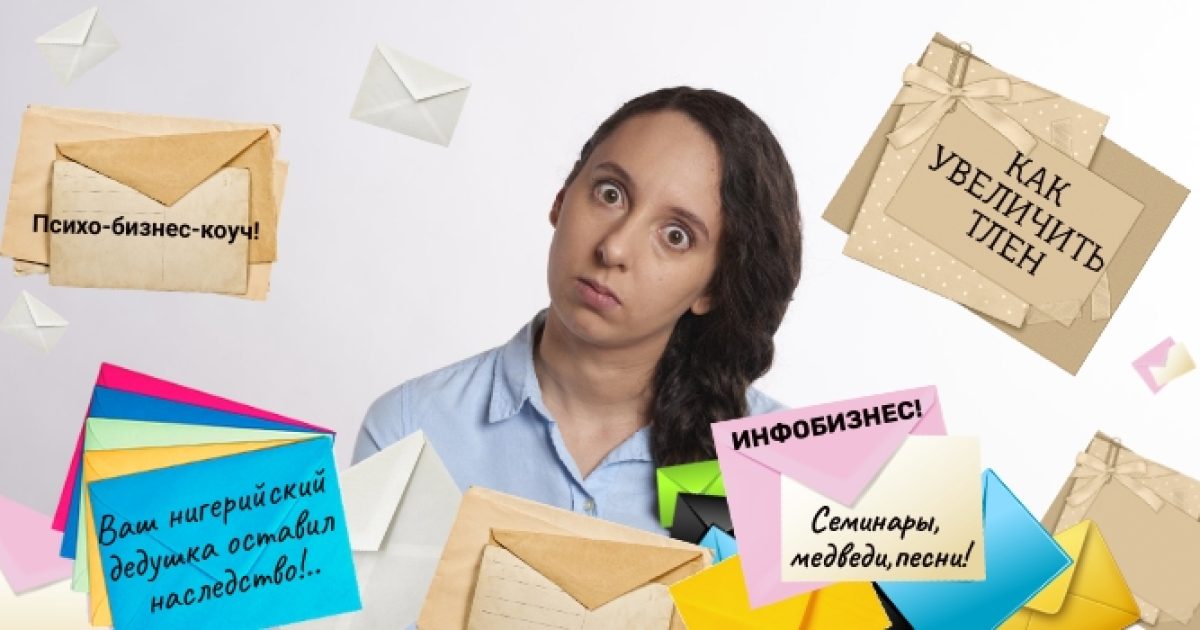
Spam is the sending of letters (texts, messages, calls) without the recipient's explicit consent to receive them.
All of you have of course received letters or calls you were not expecting — offers to earn enormous money in a few minutes, to buy a super frying pan, to get a nominally free legal service and so on. All of that is called, briefly and precisely, SPAM.
Spam is a rather unpleasant phenomenon, because it is always intrusive and out of place and takes up your time and attention at the most inconvenient moment. But that is not the worst of it. Spam can threaten your budget, your nerves and your computer.
Where the word "spam" came from
Let us take a small excursion into history. The word "spam" has an interesting origin. After the Second World War the USA was left with far too many tins of meat from the SPAM company. To get rid of the surplus, an aggressive advertising campaign was organised. Calls to buy the tins came from everywhere, but instead of sales they produced only irritation. Even so the name became a common noun, and now it is what we call unwanted electronic mailings, SMS messages, intrusive and irrelevant comments on social media and phone calls aimed at selling goods or services.
The channels spam arrives through

All of you have of course received letters or calls you were not expecting: offers to earn enormous money in a few minutes, to buy a super frying pan, to get a nominally free legal service and so on. All of that is called, briefly and precisely, SPAM.
Spam comes in different kinds and arrives through different channels, and now we will try to classify it by picking out its main types.
- Classic spam — a mass mailing of letters to e-mail addresses. It may be an interesting and inevitably "advantageous" offer containing not only discounts but viruses, phishing and other "bonuses".
- SMS spam. People receive messages on their phones saying they have won a car in a lottery they never entered, or an offer to pay for the delivery of a prize they never won. These messages are fraudulent. Spammers buy databases of phone numbers from operators in order to send them and, sadly, older people often fall for such messages.
- Phone calls. To offer their services or goods, some companies likewise buy databases of phone numbers and make calls, despite the fact that nobody gave them those numbers willingly.
- Comments on a site. Site owners very often meet this situation: a new article appears on the site. Under the article there is, of course, the option to comment. And into the comments come spammers, to advertise THEIR goods and services. It is especially unpleasant when those goods and services are similar to the ones sold on that site.
- Spam in messengers and on social media. There are different variants here — either advertising messages, or an account is broken into and whatever the attackers want is sent out from it.
- Spam on classified ad sites, forums and directories. Most often it is comments in threads, private messages to users and so on.
Safe and dangerous spam

All spam can be roughly divided into safe and dangerous. Safe spam threatens you with nothing worse than a spoiled mood or a certain amount of lost time. Dangerous spam, though, can cost you money or harm your computer.
Safe spam
Advertising goods and services. This is ordinary advertising of perfectly ordinary things — clothes, shoes, appliances or a car service. You never subscribed to it, but your address reached the owner of that business and they decided to advertise their goods through this channel.
Advertising prohibited goods. For such goods spam is almost the only, and certainly the main, sales channel. But you are still in no danger — you are not going to buy something prohibited (what if it is bad for your health).
Compromising material. As the saying goes, slander boldly and something will stick. So spammers use letters with unflattering information when a competitor's new shop, or somebody's good name before an election, needs to be smeared.
Collecting addresses. "Forward this letter to ten of your friends so that they will always be healthy and happy." Spammers often use text like that to gather ever more addresses for their database.
As you can see, this kind of spam will do you no harm, beyond causing annoyance. But there is another kind, and it is worth being wary of.
Dangerous spam
Phishing. Cyber criminals send you a letter which, supposedly on behalf of your bank (payment system and so on), frightens you with a problem. Say, you have to pay a large fine.
The problem, they say, has to be solved immediately. To settle the matter you are invited to follow a link to the bank's official site (in fact it is nothing of the kind). The domain will certainly look very similar, and the site itself will be the spitting image of your bank's.
The domain might, for example, look like this:
www.priivat24.ua
Only rarely do people notice the extra letter or digit in a domain, so fraudsters take advantage of that quite calmly. Next you will be asked to enter your personal details to solve the problem stated in the letter. After that you may lose all your savings.
Malware. A letter from an unknown sender may carry a trojan that infects the computer, after which your personal data — logins, passwords — leaks into the fraudsters' hands.
As an even worse turn of events, attackers may gain remote access to your computer and amuse themselves as far as their conscience allows.
Besides that, network worms are sent through letters — a particular kind of malware that spreads through your contacts on its own and infects the computers of friends and acquaintances.
Nigerian letters. From the very first lines the letter brings good news: you have inherited many millions! From a relative in <any far-off country, most often African>.
All these letters are fairly uniform and written to a formula: "Congratulations on such unheard-of luck; we will transfer it to your account at once, we just need a little money for the related expenses."
If you believe that you might have had a second cousin who was a millionaire in a distant African country and transfer a little money, usually $200–300, you will not be bothered again. Although relatives may turn up in other countries too.
As you can see, not all spam is harmless; there are very dangerous varieties of it.
Why is spam sent?
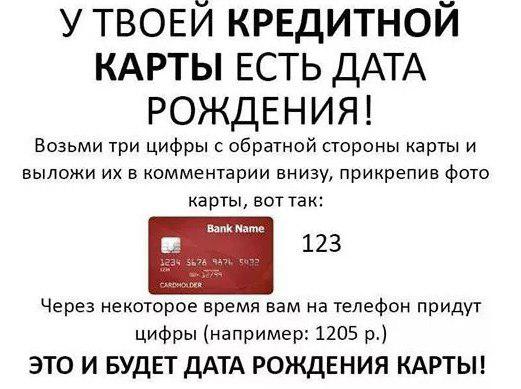
A spammer's main goal is to make money out of you. Sending spam by e-mail is far cheaper and simpler than doing the same on paper. Around 250 billion letters are sent worldwide every day, and almost half of that number is spam.
Letters offering to make you lose weight in record time, to restore male health and to earn quickly by investing a small sum right now are the most popular kinds of spam.
Where did they get my e-mail?
- The address was found by chance. A great many e-mail addresses are freely available on the internet, and spammers collect them wherever they can — on social media, on forums, in guest books and so on.
- The address was stolen from contacts. If spammers broke into the mail of one of your acquaintances, they will scan the address book and find your contacts.
- A data leak. Data leaks happen from time to time in any large company. And the most unpleasant part is that most of the addresses that leak into spammers' hands are active. If you are registered on LinkedIn or Last.FM, or on Facebook, it is to be expected.
- They generated it. Take, say, the name masha and attach it to the mail domain @gmail.com, and you can generate a working e-mail address that spam can later be sent to. Fraudsters generate such addresses and then send mailings to them. If a letter was opened, the address is active and spam can keep coming to it.
- The address was bought. Along with a great many other addresses sold by unscrupulous companies.
How to fight spam

Here is some advice that will let you, if not stop the flow of spam, then at least reduce it, and also avoid infecting your computer with malware.
- Do not leave your e-mail with unknown or suspicious companies. There is a fair chance they will sell it to spammers.
- Do not open spam letters. Fraudsters often send letters with a small image inside and track whether it loaded. If it did, the letter was opened and the e-mail is active. And then three times as much spam will arrive.
- Do not follow the links in spam letters. If a letter came from an unknown address and you have already opened it, at least do not follow the links. You can either pick up a virus or land on a fraudulent site.
- Set up two or three mailboxes. At least two — one for work and personal contacts, and a second for registering on various sites when you need to.
- Choose longer and more complex addresses for your mailboxes — it will be harder for attackers to stumble on them when guessing at random.
- Mark suspicious and obviously spam letters as spam and send them to the relevant folder in your mail service or client. After that, mailings from that sender will always go to spam.
What should you do to avoid landing in spam?
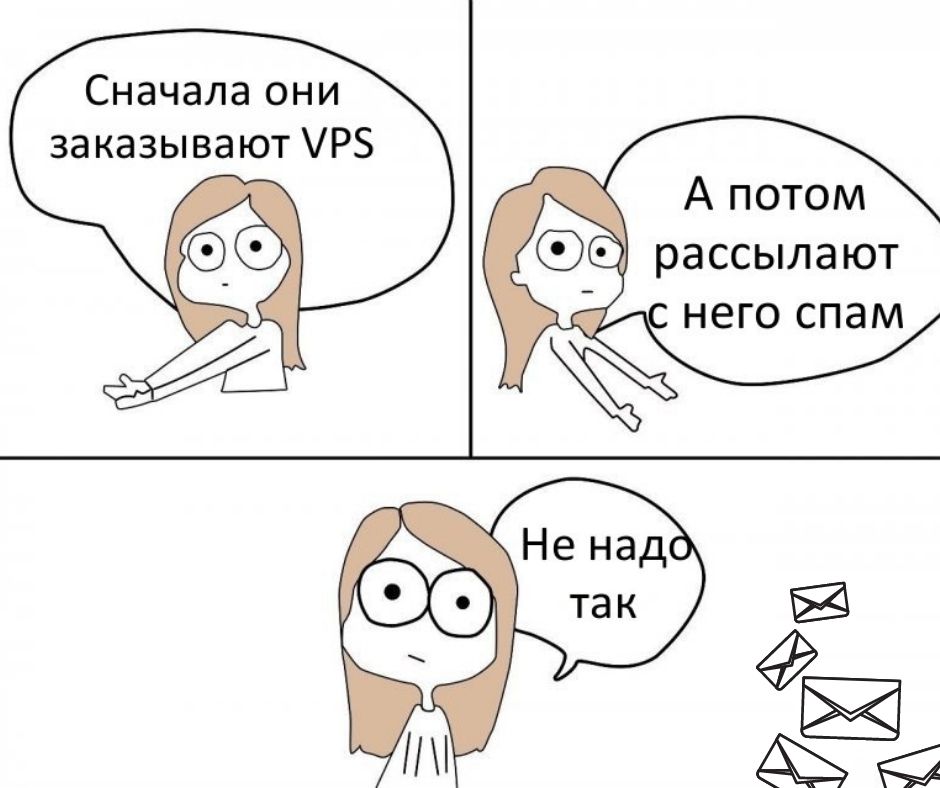
Now let us turn the situation around and imagine that you are a business owner and need to run mass mailings to promote your goods or services. What should you do so that your letters do not end up in spam?
- Do not send users a mailing without their consent. The law today requires letters to be sent only to users who have given unambiguous consent to receive them.
- Before sending a mailing to a large number of addresses, check your letters with special tools that determine whether the letter will land in spam — mail-tester.com, for instance. That will help you work out how spam filters will treat your mailing.
- Do not send letters at random. Try to study your audience (gender, age, interests) so that your mailing is relevant to them. That will help avoid — or at least reduce the number of — complaints and letters sent to spam.
- Track how your letters are opened. A high open rate is a sign that your mailings are interesting, which means the share of delivered letters will be higher too. Popular mail services have the tools for this, for example Google Postmaster Tools.
- Do not run mass mailings too often, or mail filters will treat all your letters as spam.
- Always unsubscribe the users who have opted out of a mailing, as well as those whose letters could not be delivered and for whom the mail server returned a delivery error.
- Do not send a mailing from ordinary hosting — as a rule all its customers share one IP address. If you need to send a mailing from hosting, order hosting with a dedicated IP address.
- A more advanced option: send the mailing from a dedicated server or a virtual server. It always has its own IP, whose reputation is not affected by neighbours; its resources will belong to you alone and will let you both host the site and send the mailing. And it can be configured individually for your particular project.
- If you send the mailing through your own server, ask your administrator to set up a reverse DNS record as well as SPF, DKIM and DMARC.
How to protect yourself from spam
If you have a site and use corporate mail on your site's domain, it is worth choosing hosting with spam protection.
Protected hosting gives the customer tools with which they can configure the mail system the way they want. For instance, we offer site hosting and WordPress hosting with the SpamAssassin anti-spam filter. It is one of the most popular anti-spam filters, with protection effectiveness of around 99%. SpamAssassin is configured by default for all customers on our hosting and reduces the number of unwanted, and often unsafe, letters.
Another tool we use on our hosting is greylisting. How does greylisting work? When a letter from an unfamiliar mail server reaches our server, a temporary error is generated and the sending server is added to a grey list. As a rule spammers do not repeat the attempt if it fails the first time — they have millions of letters to send and delays are unacceptable. A normal sending server simply repeats the attempt after a while (usually 10–15 minutes), after which it is added to the white list and can send messages without delay.
The right hosting has one or several spam protection tools in its arsenal, so it is worth choosing exactly that kind of hosting.
Conclusion
As you can see, spam is a fairly serious problem which can either simply irritate or cause genuinely large trouble for internet users. But if you remember that suspicious letters should not be opened and that hosting with spam protection should be chosen for your sites, then your data, your nerves, your time and your wallet will be safe.