


Error 404: what it means and what to do
This article is 5 years old — prices and terms may have changed.

When a site cannot find the address you entered, a 404 error message appears. It happens when the page simply does not exist. Here is how such an error affects a site's SEO and what to do about it.
How do 404 pages harm a site?
A page with a 404 response code can appear on any site. You will land on one if you type a link incorrectly in the address bar. But the failure can also show up when a page has been deleted or a link on the site contains a mistake, and that leads to problems with promotion. Let us look at why.
- User behaviour signals suffer. If a site has many broken pages, visitors will spend less time on it and come back less often, and positions will fall as a result. Behaviour signals play a growing role in Google's ranking, so 404 errors on a site cannot be ignored.
- Search robots waste crawl budget. They scan broken URLs and may simply never reach new pages with useful, substantial content.
- The site loses link equity. If links from other resources used to point at a deleted page, they now land literally nowhere.
All of these factors often act at once, and the harm from a 404 error grows. Links to broken pages have to be removed or replaced.
Why does a 404 error appear?
There are several typical reasons why a 404 error appears on a site:
- The URL was written incorrectly when the page was created — a typo, say, or an invalid character added by accident.
- The page was deleted while the site's structure was being changed, and no 301 (permanent) redirect was set up.
- The page was moved to a new address and, again, no 301 redirect was set up. In such cases visitors will land on a page that is not there.
Whatever the reason, 404 errors need to be found and fixed quickly.
Diagnosing a site and finding 404 pages
There are several ways to find broken addresses on a site. Let us go through the simplest and most popular:
With Google Search Console
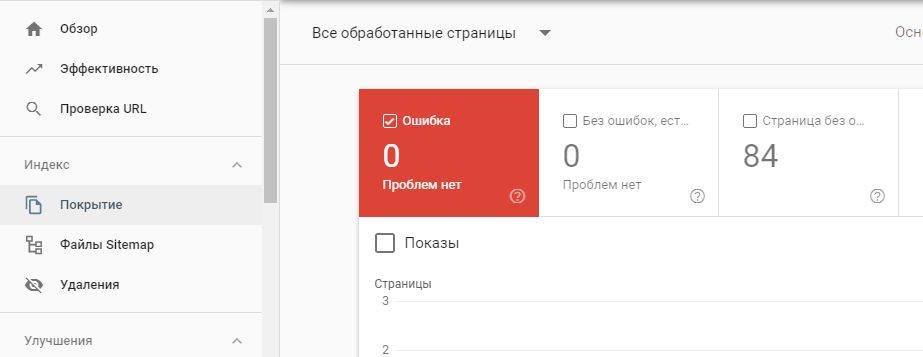
Google Search Console will find the 404 pages on a site
In the Google Search Console menu, go to the Overview tab. Lower down, in the Coverage section, you will find details of the errors, and Search Console shows detailed information for each of them.
With Yandex.Webmaster tools
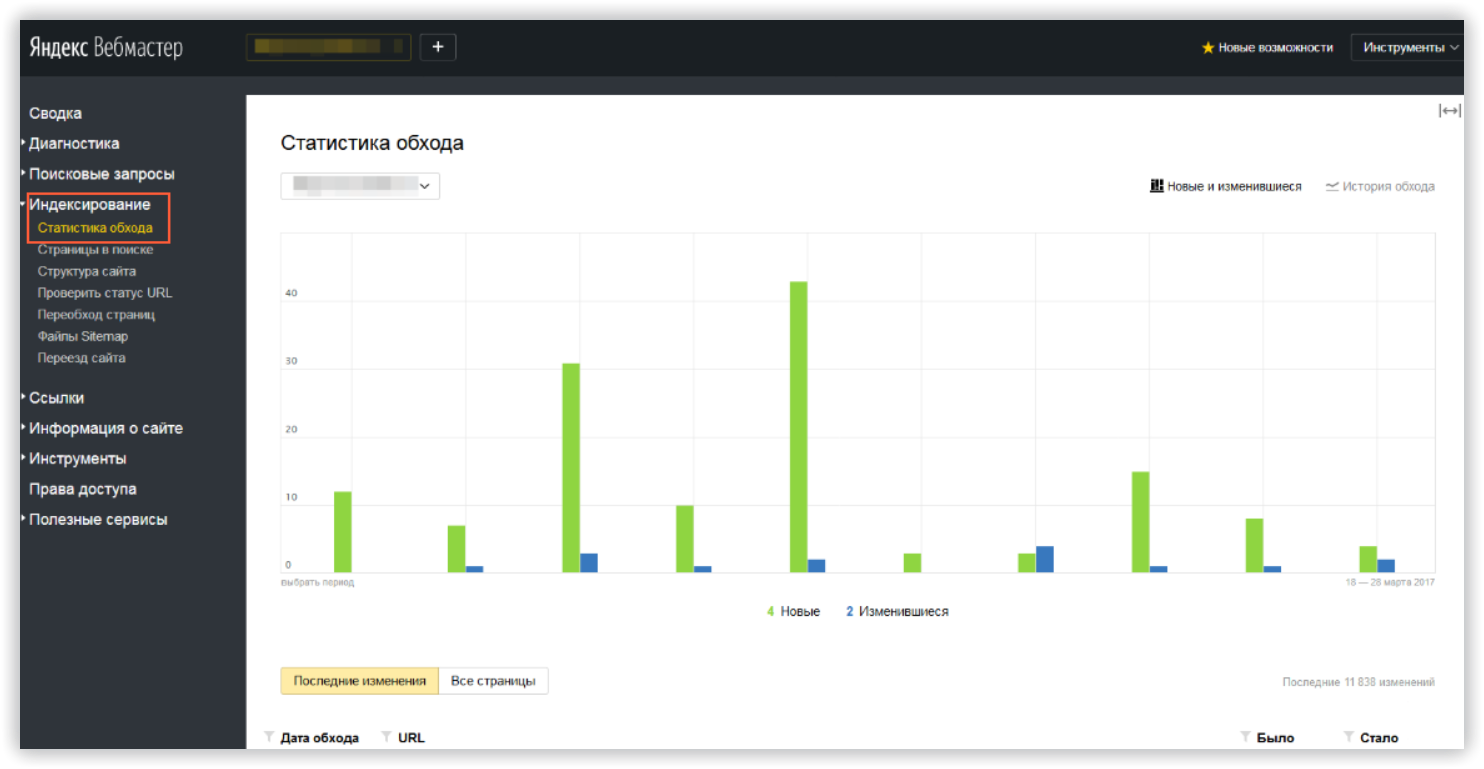
Finding a site's 404 pages with Yandex.Webmaster
Information about broken links is in the Excluded pages report. It sits in the Indexing section, on the Crawl statistics tab.
Checking with Screaming Frog
One of the most powerful and popular tools for a technical audit is Screaming Frog SEO Spider. The program has paid and free versions, and 404 errors on a site can be found with the free scan.
Simply paste the site address into the program's window and click scan. The results appear as a table, one of whose columns is the server response code. If that column says 404, the error needs fixing.
How do you fix broken links?
404 errors should be fixed as quickly as possible. There are several ways:
- Replace the incorrect links with working ones, possibly setting up a redirect.
- Remove the internal and external links that lead to a 404 page. The URL itself should be removed from the index with the tools from Yandex and Google.
An important note: Google Search Console's tools only remove a page from the index for 90 days. The way to remove an address from the index permanently is described in Google's help.
Getting rid of 404 errors entirely is not possible. But you can keep them from becoming a problem. The alternative is to make the 404 page useful to visitors.
How do you manage that?
- Explain briefly how the visitor ended up here and what to do next.
- Point the visitor towards other material or to the site's home page.
- You can also put a search box on the 404 page, or even a mini-game.
- Style the 404 page the same way as the other addresses on the site.
An interesting example of a 404 page on the LEGO site:
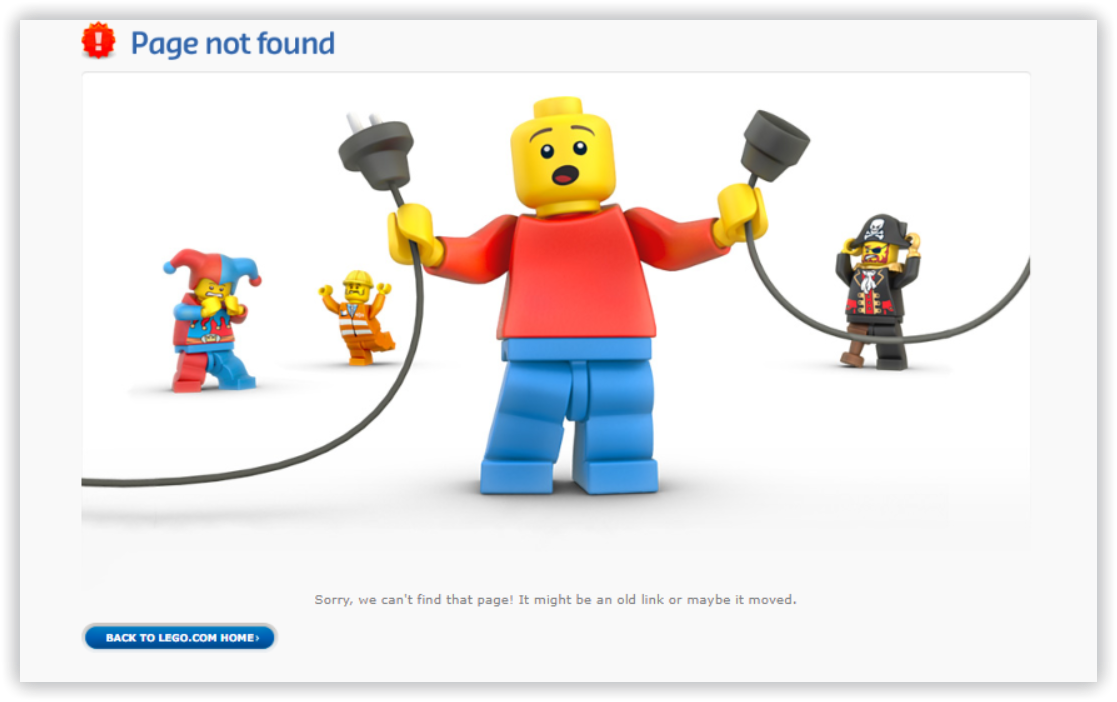
LEGO styled the 404 pages on their site in the manner of… LEGO. It came out very nicely
An original 404 page on a creative studio's site:
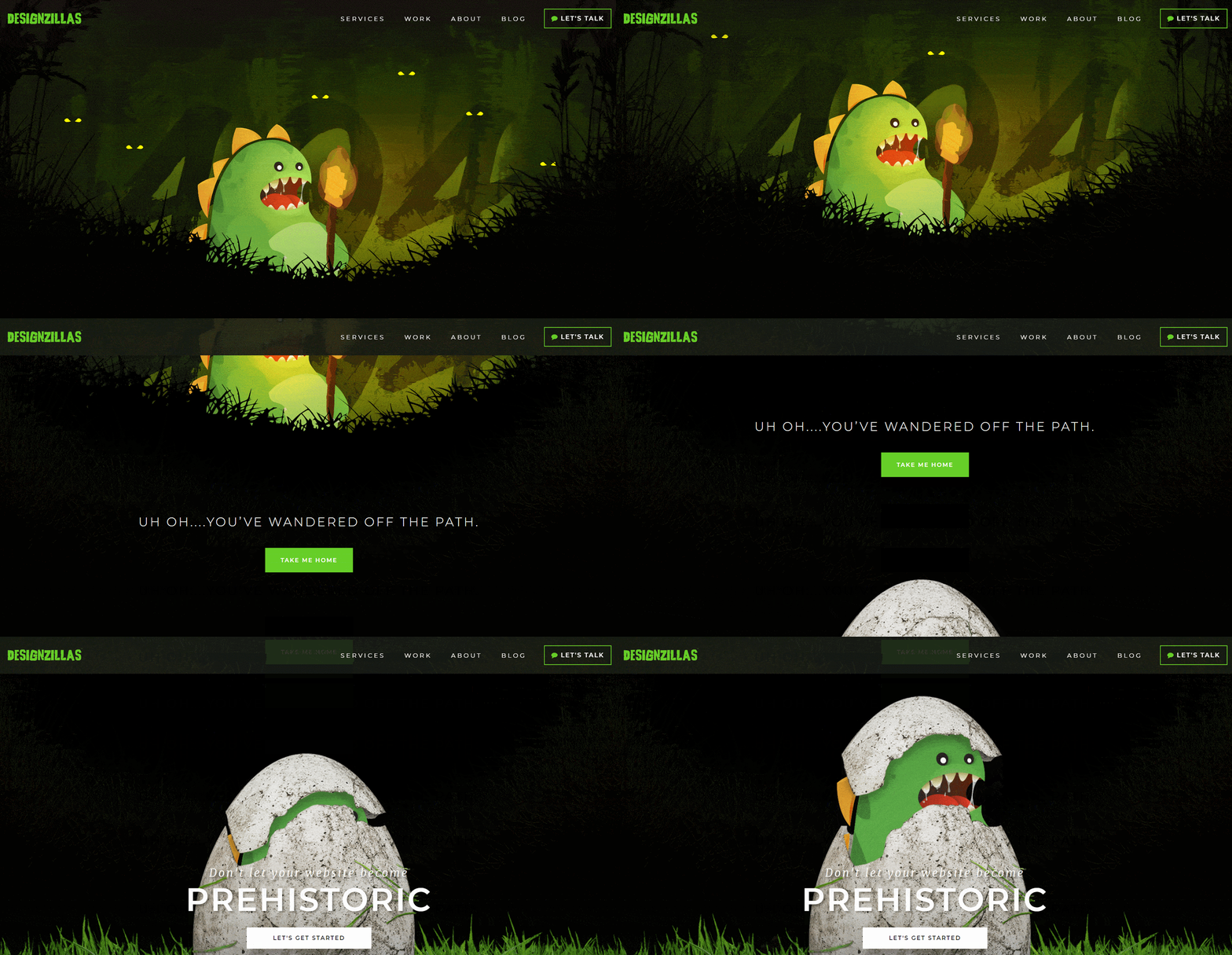
An amusing animation — and visitors happily linger over the 404 pages on your site
Conclusions
A 404 error can become a serious problem for a site's promotion. Broken pages need fixing as quickly as possible, or redirects to other addresses need setting up.
The notice page itself can be arranged so that it becomes useful to your audience — and then the site's behaviour signals will not suffer.